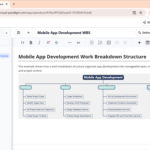
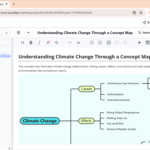
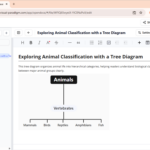
In the world of project management and software development, the bridge between a raw idea and a structured plan is often a visual one. At Visual Paradigm, we are committed to making that bridge shorter and stronger. We are thrilled to announce a major enhancement to OpenDocs: the integration of a powerful, intuitive mind map editor powered by Artificial Intelligence.
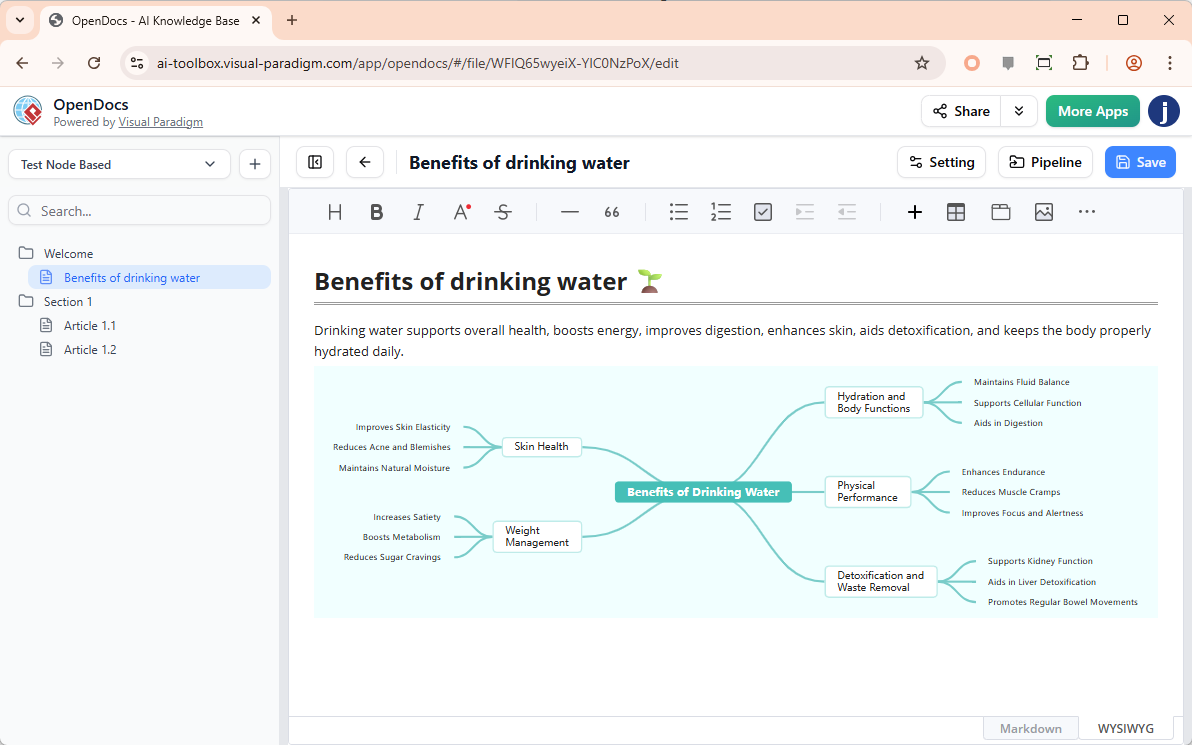
Whether you are brainstorming a new product feature, mapping out a complex workflow, or organizing meeting notes, our new AI mind map tool ensures that your creativity is never hindered by manual drawing tasks.
Beyond Simple Text: Why Mind Mapping Matters
Linear text has its limits. Complex problems often require a non-linear approach to uncover hidden connections. By incorporating a mind map tool directly into your documentation workflow, you can:
- Break down massive projects into manageable sub-tasks.
- Visualize hierarchies and relationships at a glance.
- Improve information retention for your team and stakeholders.
Meet Your New AI-Powered Brainstorming Partner
The standout feature of this update is the “Create with AI” capability. We understand that starting with a blank canvas is often the hardest part of documentation. Our AI mind map tool acts as a catalyst for your thoughts.
By simply providing a brief description of your problem context or goal, the AI analyzes the logic behind your request and automatically generates a structured, professional mind map. This isn’t just a static image; it is a fully editable starting point that you can refine to perfection.
How to Use the Mind Map Editor in OpenDocs
We’ve designed the user experience to be seamless, allowing you to stay in your “flow state” without navigating complex menus. Here is how you can get started:
- Access the Editor: Inside your OpenDocs document, click the + (Plus) icon on the top bar.
- Select Mind Maps: Choose “Mind Maps” from the left-hand category menu and select “Mind Map” on the right.
- Generate with AI: For the fastest results, click Create with AI at the top right. Enter your context (e.g., “Plan a product launch for a mobile app”) and click Generate.
- Refine and Customize: Use the drag-and-drop interface to add nodes, change colors, or reorganize the structure.
- Embed Instantly: Once satisfied, click Save. Your mind map is now beautifully embedded directly within your OpenDocs page.
Availability
This feature is part of our commitment to providing professional-grade tools for our power users. The new mind map integration is available immediately for:
- Visual Paradigm Desktop Professional Edition
- Visual Paradigm Online Combo Edition
Ready to Visualize Your Success?
Stop wasting time on manual formatting and let AI handle the heavy lifting. Start using the most versatile AI mind map tool today and see how visual clarity can transform your team’s productivity.