
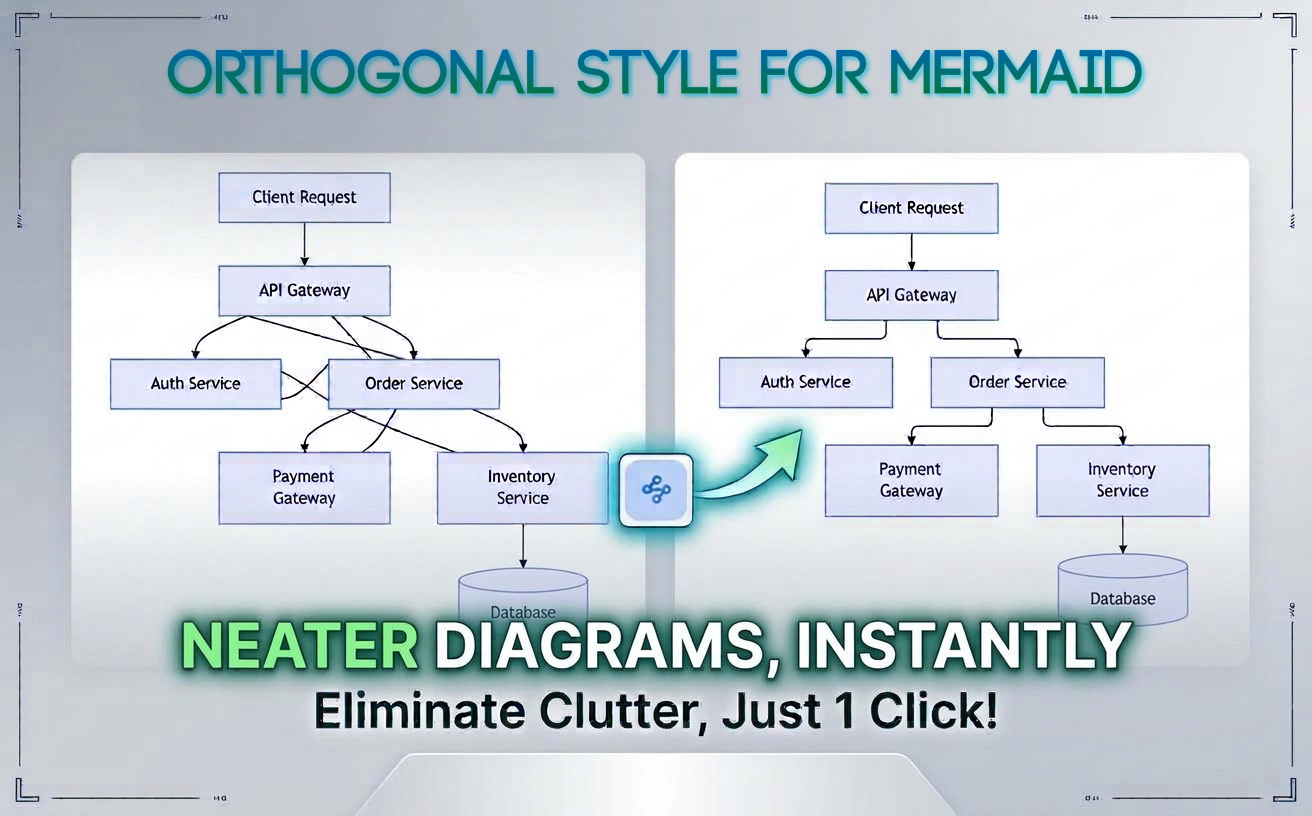
We are excited to announce enhanced layout control for diagram-as-code enthusiasts. Visual Paradigm now supports Orthogonal Style routing for Mermaid diagrams across our online tools, including VPasCode and the Visual Paradigm AI Chatbot. This update allows developers, software architects, business analysts, and product managers to instantly transform cluttered, diagonal connection lines into structured, right-angled connectors with a single click.
What’s New
By default, text-based diagram tools often use curved or direct diagonal lines to link nodes. In complex diagrams, these overlapping diagonal lines create visual clutter, making relationships difficult to follow.
The new Orthogonal Layout feature automatically routes connection lines using horizontal and vertical segments at 90-degree angles. This results in clean, organized grid-like layouts that mirror professional architectural and engineering schematics.
Orthogonal styling is supported across eight major Mermaid diagram types:
- Flowchart
- Class Diagram
- State Diagram
- Use Case Diagram
- Entity Relationship (ER) Diagram
- Requirement Diagram
- Block Diagram
- Swimlane Diagram
Example Scenario: System Architecture Flowchart
Consider a standard microservice checkout workflow expressed in Mermaid syntax:
graph TD
    A[Client Request] --> B[API Gateway]
    B --> C[Auth Service]
    B --> D[Order Service]
    D --> E[Payment Gateway]
    D --> F[Inventory Service]
    F --> G[(Database)]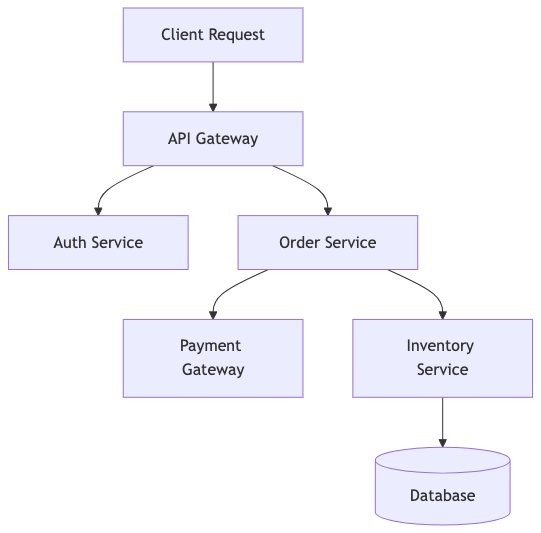
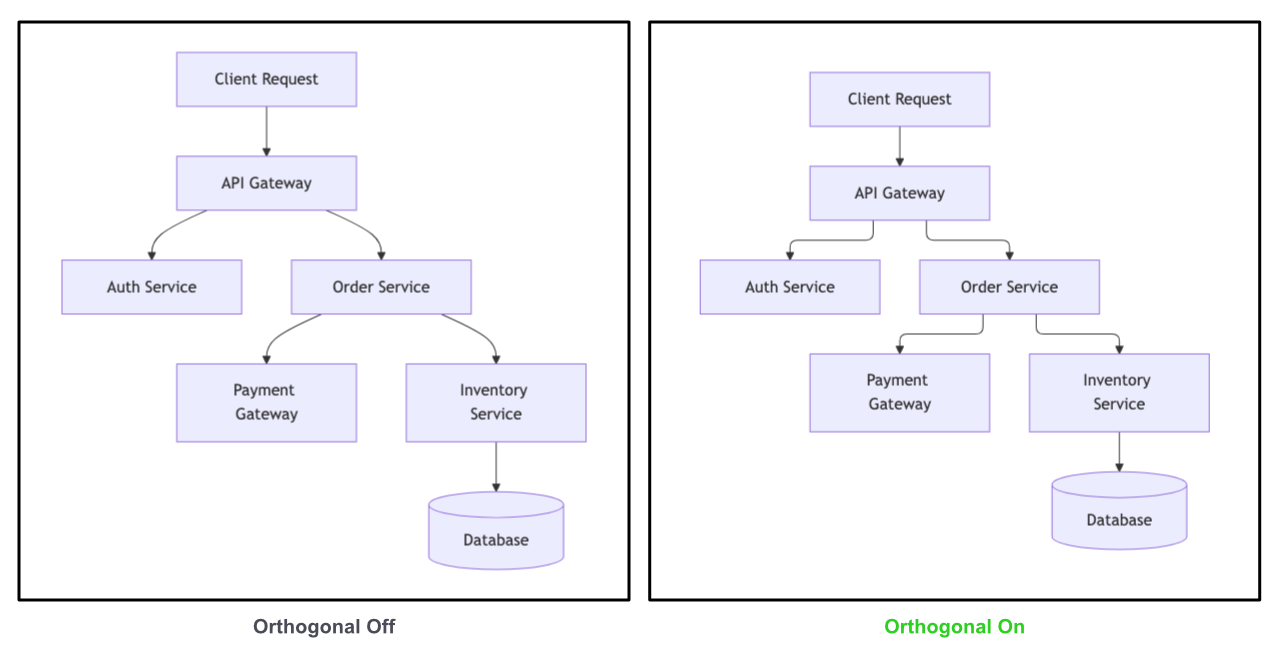
When rendered using standard line routing, connections between non-adjacent services can cross diagonally across intermediate nodes. By toggling the Orthogonal Layout button, all lines adjust to strictly horizontal and vertical paths. This eliminates diagonal line intersections, ensuring each microservice relationship remains distinct and easy to read during technical reviews.
Why Use Orthogonal Layouts?
- Improved Readability: Eliminates diagonal clutter and line crossings, allowing stakeholders to follow workflow paths effortlessly.
- Professional Documentation: Delivers clean, enterprise-ready schematics ideal for technical specifications, architecture reviews, and client deliverables.
- One-Click Switching: Easily toggle between default routing and orthogonal routing without modifying your Mermaid code or syntax.
- 100% Free: Available to all users without any subscription or license requirements.
How to Use Orthogonal Style in Visual Paradigm
Applying the orthogonal layout to your Mermaid diagrams takes just a second:
- Open your diagram in VPasCode Editor or generate a diagram using the Visual Paradigm AI Chatbot.
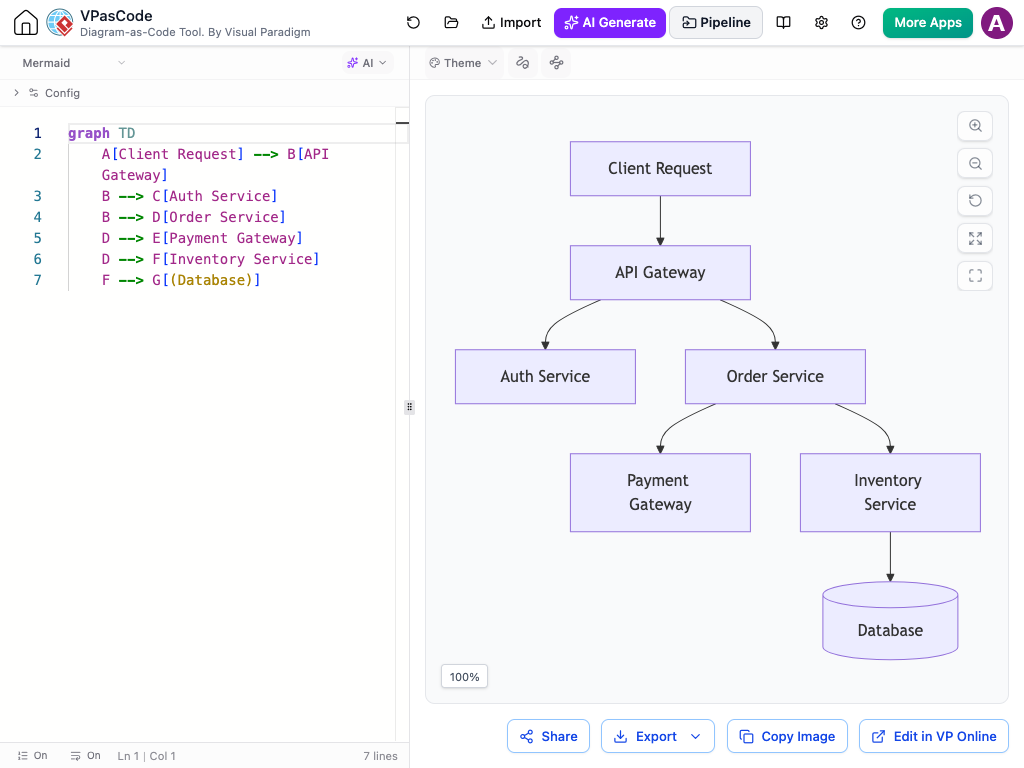
- Next to the Theme menu, locate the Orthogonal toggles.
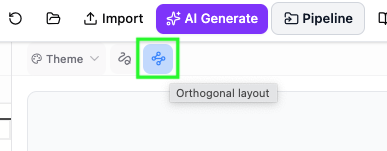
- Click the Orthogonal layout button
Part of the Visual Paradigm Ecosystem
This layout enhancement seamlessly integrates into Visual Paradigm’s broader visual modeling suite. Whether you build diagrams using manual code in VPasCode, generate multi-diagram documentation through OpenDocs, or prompt our AI Chatbot to auto-create enterprise architecture models, you can instantly apply orthogonal routing to keep your documentation clean and consistent.
Get Started Today
Ready to upgrade your diagram presentation? Try out the new line routing controls today—completely free of charge.
Try Orthogonal Style in VPasCode Editor →
Generate Diagrams with AI Chatbot →