


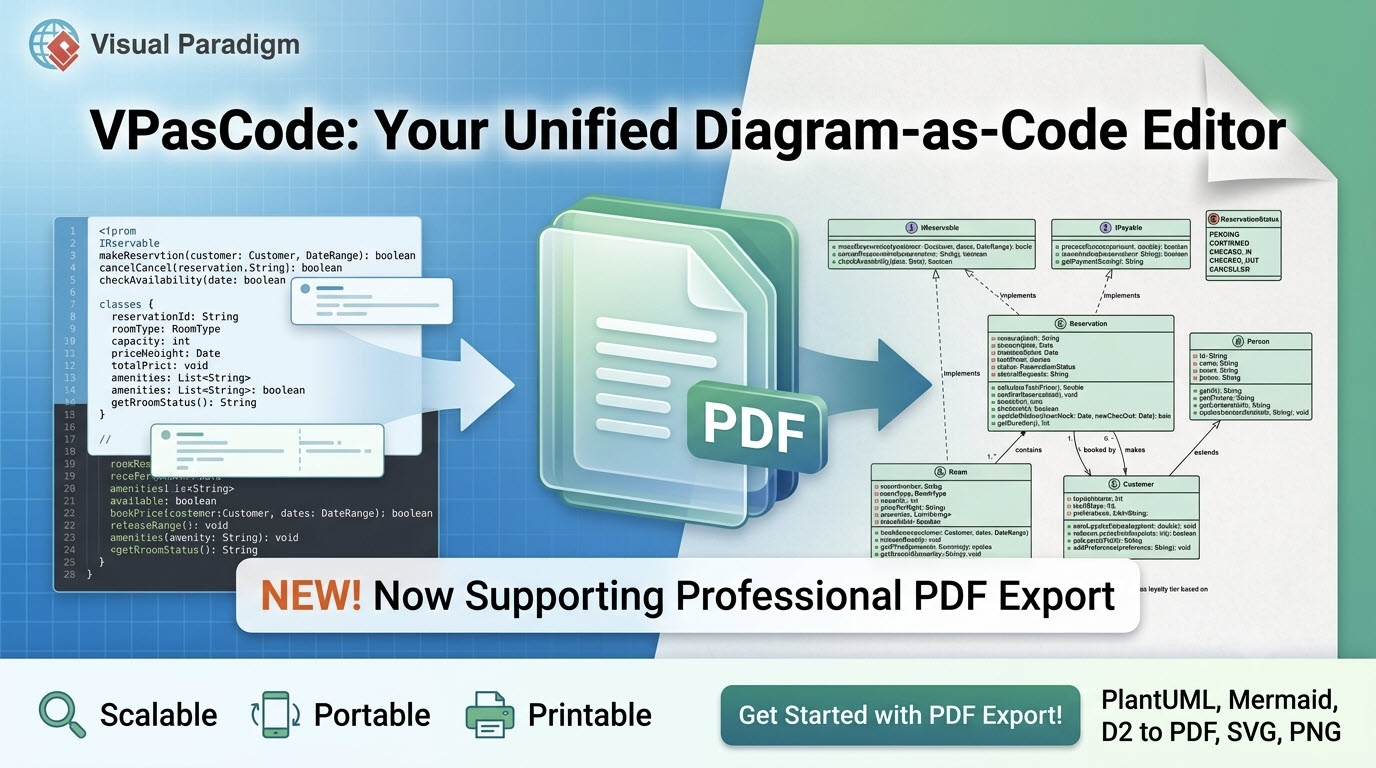
We are excited to announce a major enhancement to VPasCode: official support for exporting your diagrams directly to high-quality PDF files! As a comprehensive diagram-as-code editor built for modern software engineers, system architects, and technical writers, VPasCode now offers three primary export formats: PDF, SVG, and PNG.
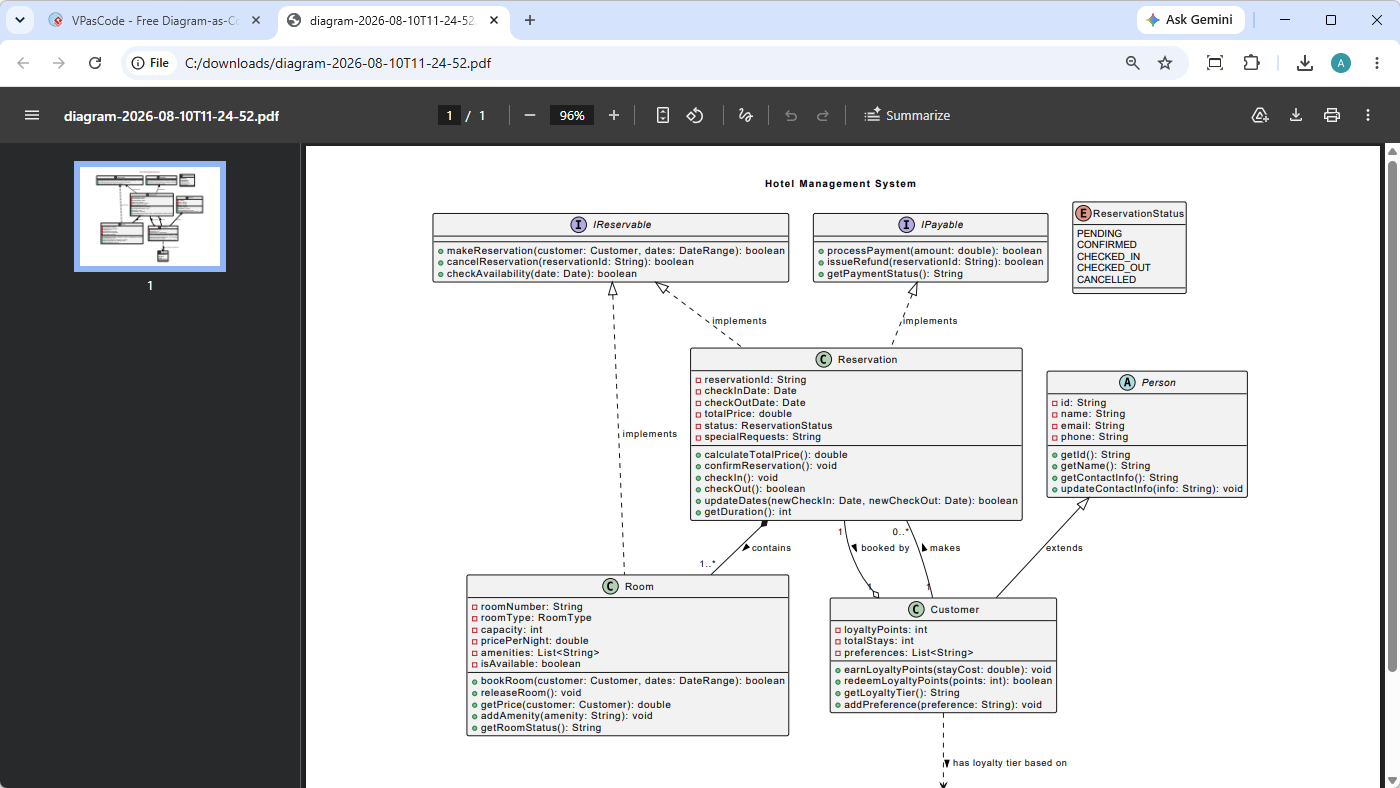
Whether you are designing complex system architectures, documenting database schemas, or building sequence diagrams for technical proposals, this new export option ensures your visuals remain sharp, professional, and presentation-ready across any platform or printable media.
Ready to try it out right away? Head directly to the VPasCode online diagram-as-code tool to experience real-time rendering and PDF exporting firsthand.
How to Export Diagrams as PDF in VPasCode
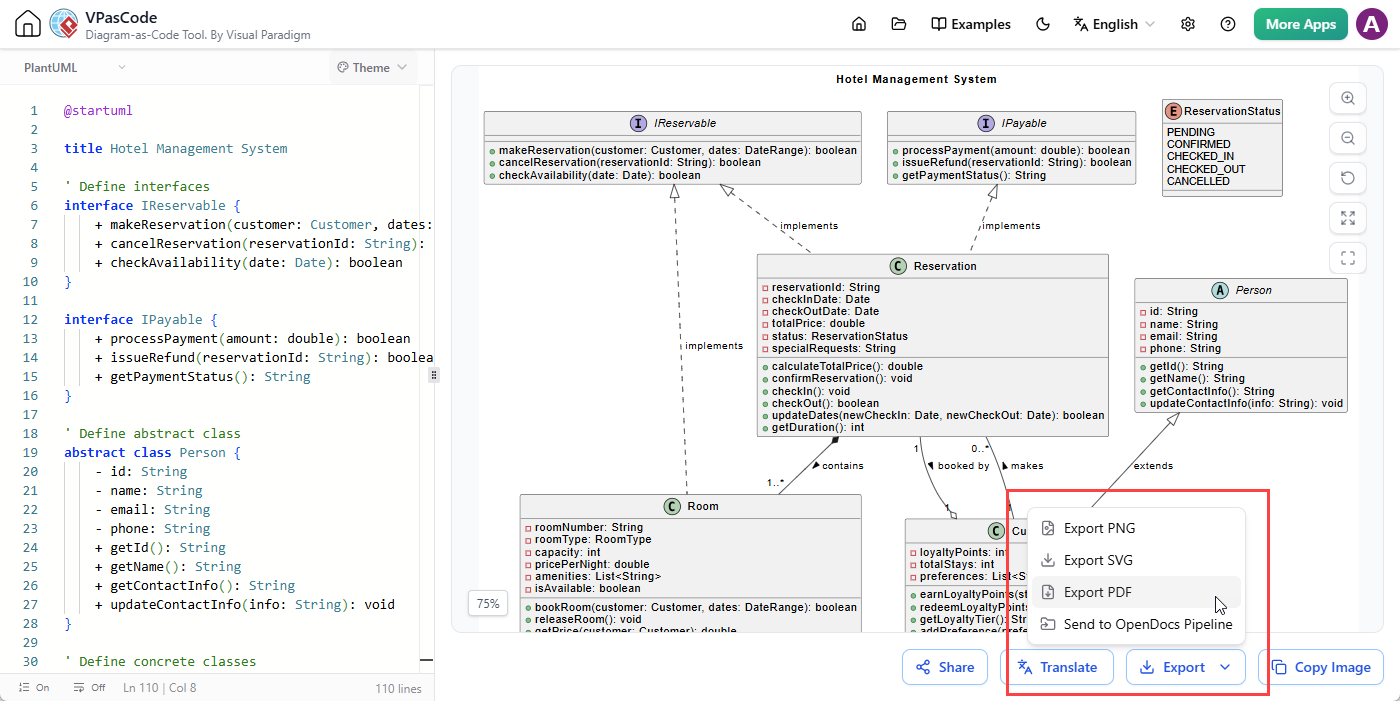
Exporting your rendered diagrams to PDF takes just a few clicks within the application interface:
- Open the VPasCode editor and write or paste your diagram code (such as PlantUML, Mermaid, or D2).
- Once your visual preview updates, navigate to the toolbar directly below the diagram viewer.
- Click on Export.
- Select Export PDF from the dropdown menu to download your file instantly.
Why PDF Export is Essential for Technical Workflows
While raster images (PNG) and web-friendly vector formats (SVG) excel in online documentation and web apps, PDF remains the enterprise standard for official technical documentation, enterprise architecture blueprints, and client-facing reports. Here is why the addition of PDF export makes VPasCode an even more powerful online diagram-as-code tool:
- Infinite Scalability and Crisp Printing: PDF files retain vector geometry. No matter how large or detailed your architecture diagram is, exporting as PDF guarantees that your text, lines, and shapes remain crisp without pixelation—whether viewed on a high-DPI monitor or printed on paper.
- Enterprise & Compliance Standards: Many corporate environments and regulatory frameworks require technical artifacts, system designs, and security audit reports to be archived in non-editable, universal PDF formats.
- Seamless Document Integration: Inserting diagrams into formal reports, research papers, slide decks, or print materials is far easier and more predictable when utilizing PDF output.
- Portability & Cross-Platform Consistency: PDFs maintain identical typography, layout, and visual fidelity regardless of the operating system, PDF reader, or web browser used by your stakeholders.
New to VPasCode? Discover the Ultimate Diagram-as-Code Platform
If you are discovering VPasCode for the first time, it is designed from the ground up to streamline text-based visual modeling. VPasCode is a free, unified diagram-as-code editor that eliminates the hassle of switching between separate syntax renderers. Instead of installing individual extensions or relying on multiple web tools, VPasCode brings all major Domain Specific Languages (DSLs) and data formats into one central interface.
Key Features & Capabilities
- Automatic Format Detection: Simply paste your script into the editor. VPasCode instantly detects whether it is PlantUML, Mermaid, D2, Graphviz, or structured data, and renders it automatically without requiring manual configuration.
- Real-Time Live Preview: View updates in real-time as you write or modify your code, providing immediate feedback for faster editing.
- AI-Powered Syntax Repair: Hit a syntax error? Click “Fix by AI“ to automatically correct your code. VPasCode provides transparent side-by-side code diffs and detailed explanations to help you master syntax quickly.
- Native AI Diagram Translation: Effortlessly translate diagram text and labels across multiple languages directly inside the editor to collaborate with global teams.
- Instant Sharing Options: Share live diagrams with team members via shareable links, generated QR codes, or direct social channels.
- OpenDocs Integration: Send your finalized diagrams straight into Visual Paradigm OpenDocs to generate comprehensive technical documentation suites.
Supported Formats & Languages
VPasCode supports a vast ecosystem of visualization languages and data structures, including:
- Diagram DSLs: PlantUML (ArchiMate, C4, Sequence, Class, Component, ERD, State, Mind Map, etc.), Mermaid (Flowchart, Sequence, Git Graph, Gantt, Mind Map, User Journey, etc.), D2, Graphviz, Markmap, and ECharts.
- Structured Data & Configs: JSON, YAML, XML, CSV, TOML.
- Database Schemas: DBML, SQL.
- Programming Languages: Java, TypeScript, Go, Rust, C#, Python, C, C++, PHP, Ruby, Scala, Swift, Kotlin, Zig, Elixir.
Start Creating Diagrams as Code Today
Core features—including code editing, automatic format detection, real-time preview rendering, and exporting to PDF, SVG, and PNG—are completely free to use.
Experience how effortless visual modeling can be. Visit the VPasCode overview page to explore full capabilities, or launch the VPasCode online diagram-as-code tool now to write your first script and export your PDF!
Related posts:
 Introducing Visual Paradigm 18.1: A New Era of Unified Ecosystems and AI-Driven Innovation
 Seamless Diagram Lifecycle Management: Enhance and Edit AI-Generated Diagrams in Visual Paradigm OpenDocs via VPasCode
 Visualize Java Source Code as UML Class Diagrams Instantly in VPasCode
 Instant Zig UML Class Diagram Visualization: Turn Your Zig Source Code into Diagrams Effortlessly