


Managing complex projects and deep data hierarchies just got a major upgrade. At Visual Paradigm, we are thrilled to announce that OpenDocs now officially supports the Breakdown Structure chart type—fully integrated with our cutting-edge AI generation capabilities.
As part of our mission to build the ultimate AI-powered knowledge management tool, this new feature allows you to transform a simple text description into a comprehensive, professional-grade visual hierarchy in seconds.
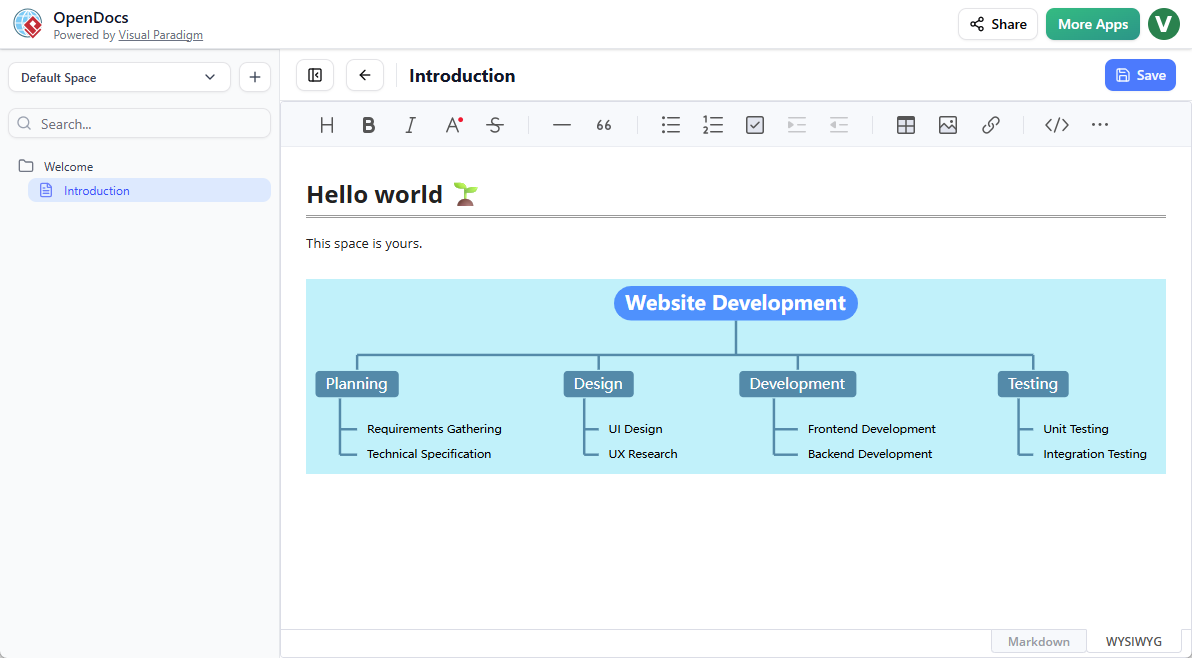
What is the Breakdown Structure Chart Maker?
A breakdown structure is essential for anyone needing to deconstruct a large project, system, or organization into manageable parts. Whether it is a Work Breakdown Structure (WBS) for project management or a functional decomposition for system analysis, clarity is key.
Key Features of the New Breakdown Structure Support
- Two Ways to Work:
- Embeddable Components: Drop a breakdown structure directly into your document to provide visual context to your technical writing.
- Standalone Component Pages: Create dedicated diagram pages for high-level overviews within your Space.
- Seamless Editing: Use our full-featured editor to customize shapes, colors, and connectors to match your brand.
Why Use OpenDocs for Your Documentation?
OpenDocs isn’t just a diagramming tool; it’s a centralized hub for your team’s collective intelligence. By combining an intelligent rich text editor with an AI-powered knowledge management tool, we bridge the gap between text-heavy documentation and visual storytelling.
Business analysts, software engineers, and project managers can now keep their documentation consistent and professional without switching between multiple applications. Everything lives in your Space, ready to be published and shared with a single click.
How to Create a Breakdown Structure Chart?
As part of a document page
- Open your page in OpenDocs.
- Click on the Edit button at the top right.
- In the page editor, click at where you want to insert a breakdown structure chart.
- Click on the Insert button at the button bar.
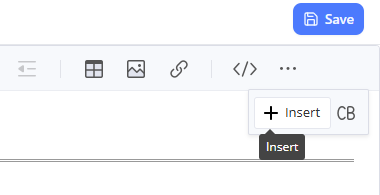
- Select Mind Maps > Breakdown Structure.
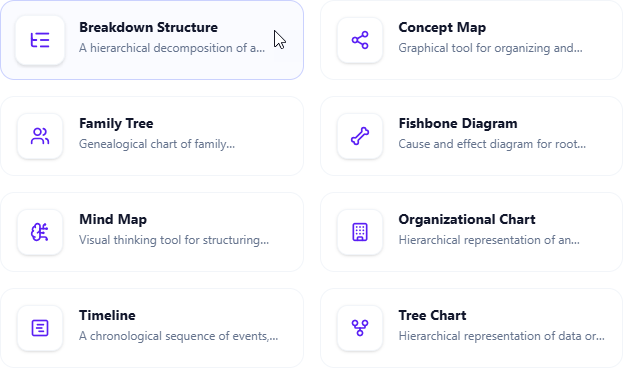
- Start editing your breakdown structure chart.
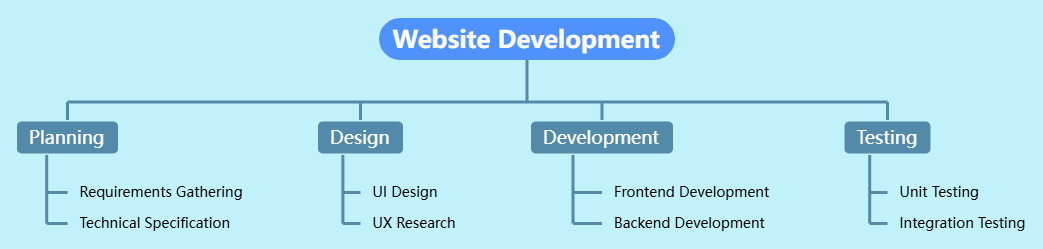
- When finished, click Save at the top right.
- Click Close to return to the document page editor.
As an independent component
- On the top of the table of contents pane, click on + and then select New Component Page.
- Select Mind Maps > Breakdown Structure.
- Start editing your breakdown structure chart.
- When finished, click Save at the top right.
Ready to visualize your next project?
Experience the power of automated diagramming today. The breakdown structure support is now live for all users with Visual Paradigm Online (Combo Edition) or Visual Paradigm (Professional Edition) licenses.
To learn more about how OpenDocs can revolutionize your workflow, visit our official feature home page.
Stay tuned as we continue to roll out more AI-enhanced chart types, including Mind Maps, Fishbone Diagrams, and Timelines, to help you build better, faster, and smarter.
Related posts:
 Visual Paradigm 18.0 Has Arrived – The Most Intelligent & AI-Driven Release in Our History!
 Streamline Your Thoughts: New Mind Map Support Now Live in OpenDocs
 New in OpenDocs: AI-Powered EPC Diagram Support – Generate Event-Driven Process Chain Diagrams Effortlessly
 New Feature: Send Your Visual Paradigm Online Creations Directly to OpenDocs