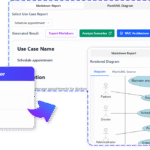
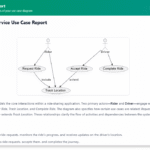
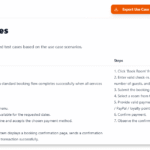
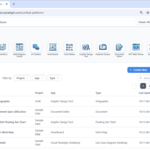
We are thrilled to launch Visual Paradigm App Studio, a groundbreaking visual engineering solution that guarantees the structural integrity of your AI-generated applications. By acting as your automated data architect, App Studio ensures your target software is built on a validated, production-ready relational database foundation, converting natural language or ERDs into secure, standardized blueprints ready for external execution.
What is App Studio?
Visual Paradigm App Studio is an intelligent visual modeling application that completely redefines the modern development lifecycle. Rather than forcing you to jump straight into raw coding syntax, App Studio acting as an automated structural engineer, validating every entity relationship and normalizing every database schema to create secure, production-ready application foundations.
The Structural Approach: Data-First AI Engineering
Most AI-powered development tools generate application code blindly from a single chat prompt, which frequently leads to broken interfaces, unnormalized databases, and missing relationships. App Studio eliminates this volatility by introducing a Data-First Architectural Workflow:
- Logical Validation: Before a single line of client-side code is conceptualized, App Studio designs, normalizes, and visually maps out your system architecture using standard entity relationship models.
- Decoupled Backend and Frontend: The system automatically provisions a live, persistent, cloud-hosted relational database behind the scenes, separating data storage layers from modern user interface configurations.
- Universal Master Prompt Generation: The final output of App Studio is not locked into a proprietary ecosystem. Instead, it compiles all your structural rules, security pathways, database connection keys, and preferred UI frameworks into a universal Master AI Prompt Blueprint ready for external execution.
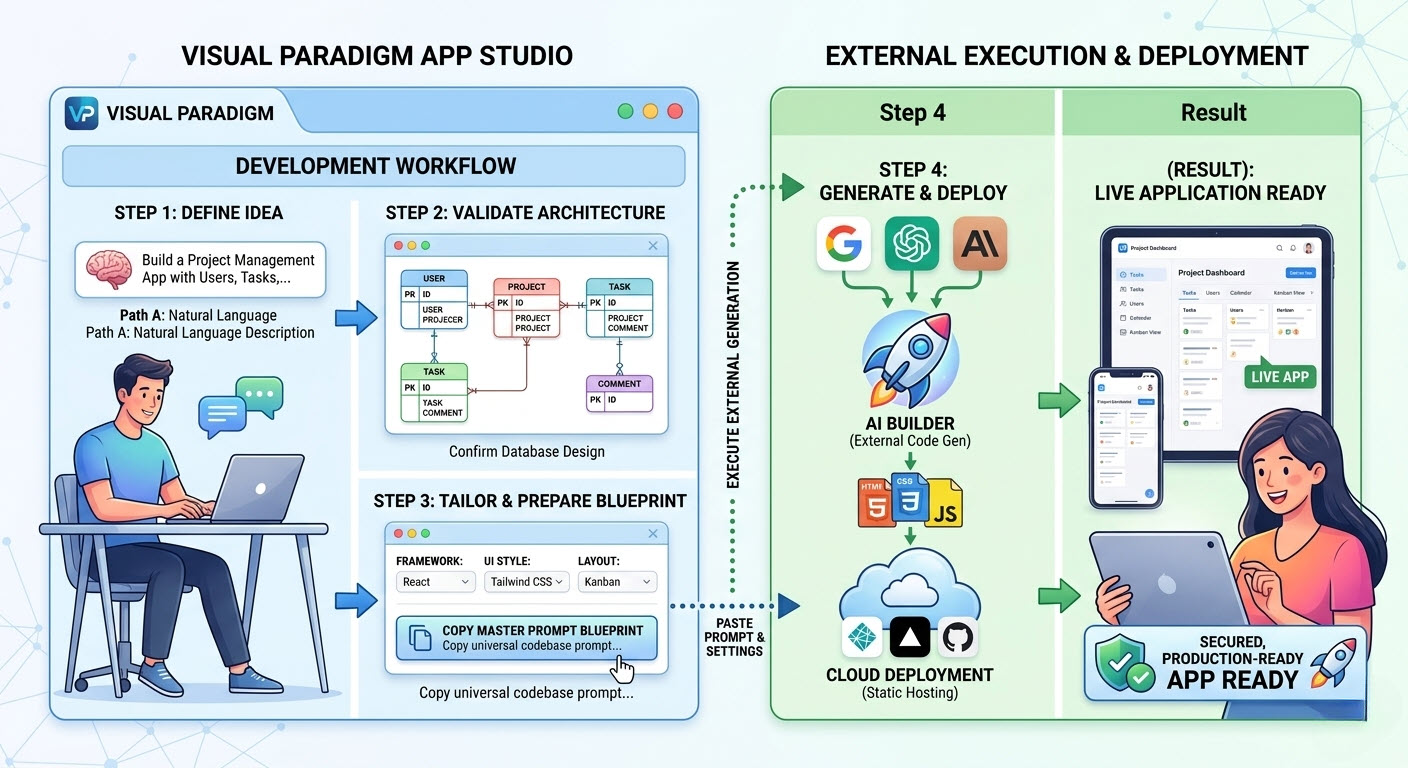
How It Works: The Core App Studio Workflow
Building your target blueprint follows a streamlined, predictable process inside our interface:
Step 1: The Ingestion Phase (Choose Your Path)
Kickstart your project using either natural language or existing visual database documentation:
- Path A: Start with a Description of Requirements: Type out a simple text description of what your app needs to do. If your description lacks detail, utilize our built-in “Enhance Prompt” utility to instantly flesh out implied constraints and fields.
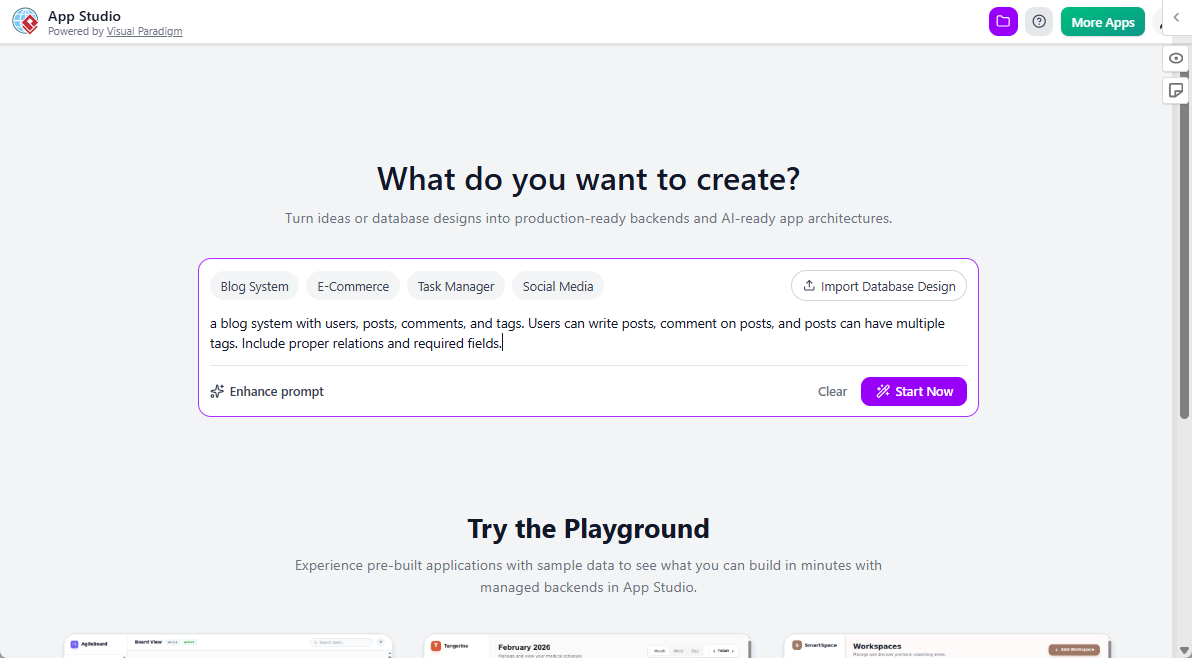
- Path B: Start with a Database Design: If you are a database modeler, bypass text entry entirely by pasting standard PlantUML code of your Entity Relationship Diagram to seed the system instantly.
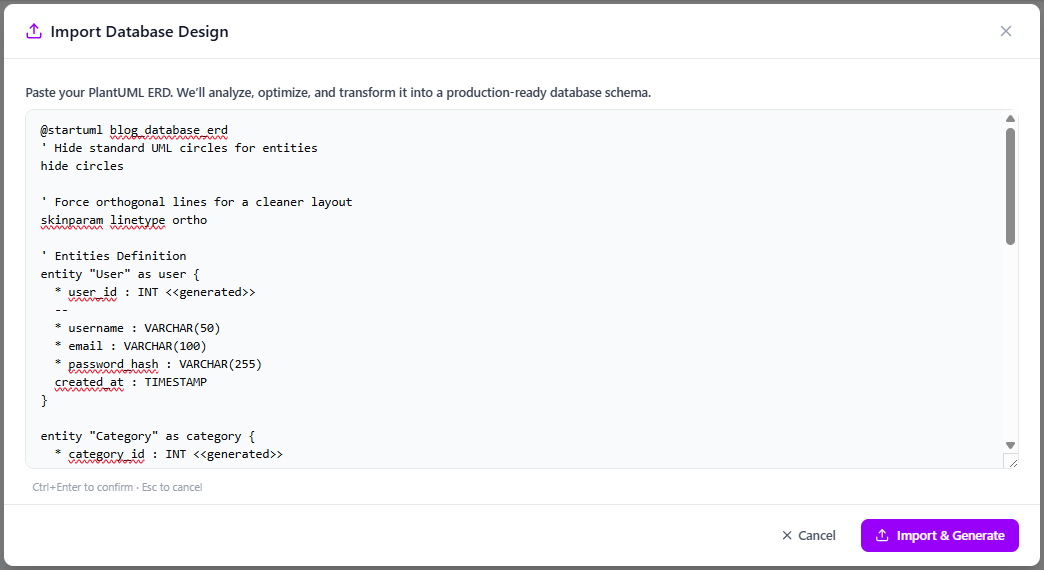
Step 2: Architecture Confirmation
App Studio’s visual layout engine renders a detailed structural canvas of your database. The underlying AI automatically resolves syntax errors, links missing foreign keys, and normalizes schema boundaries. Once verified, confirming the visual arrangement triggers the infrastructure provisioning engine.
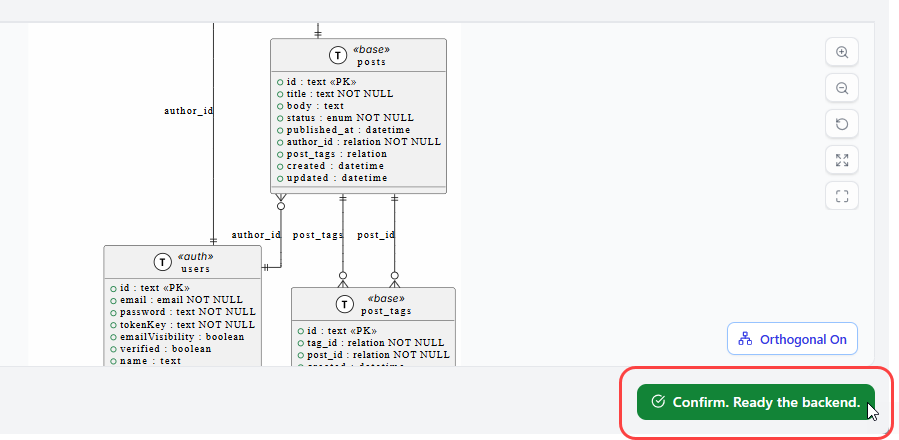
Step 3: Instant Backend Provisioning
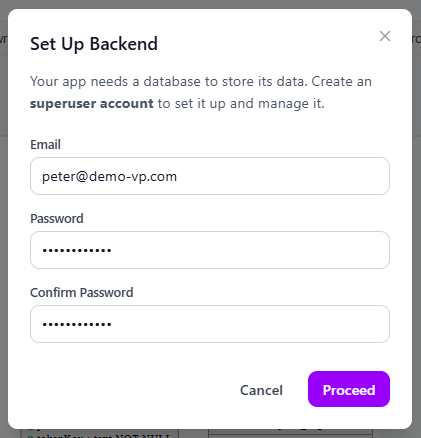
To support full data persistence (reading and writing application records), App Studio sets up an active, fully managed database behind the scenes. Users simply input an administrative email and password to safely instantiate a hosted relational superuser endpoint.
Step 4: Tailoring the Blueprint
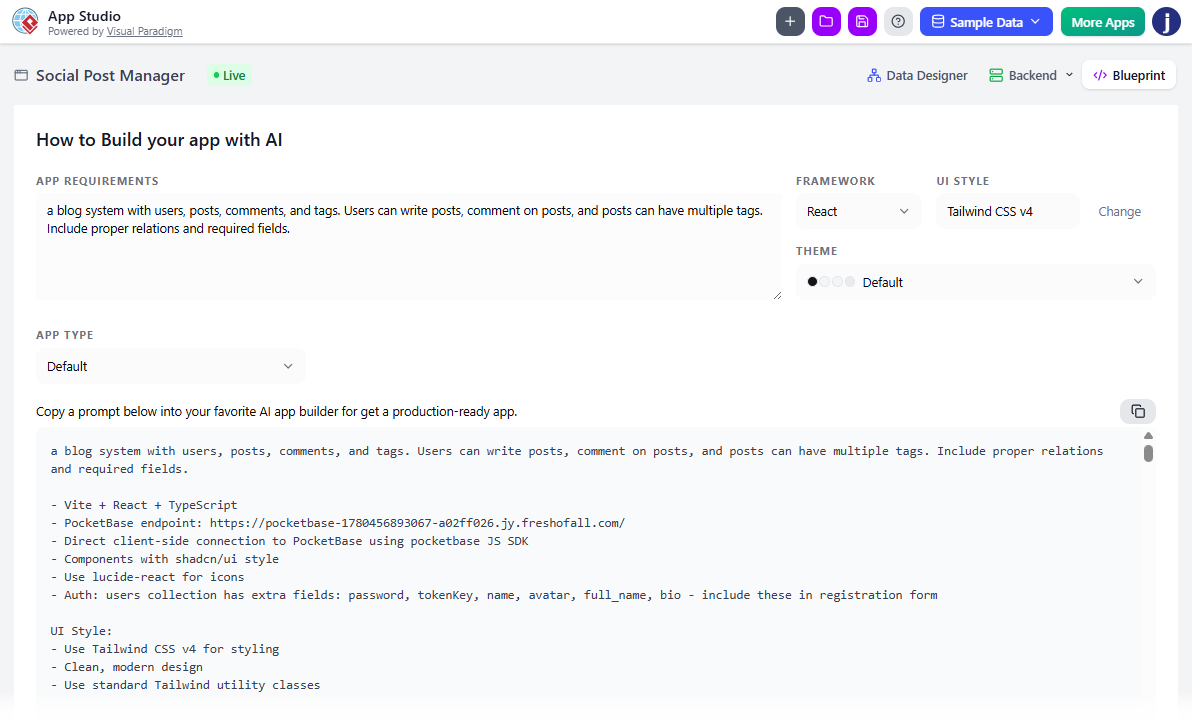
Use the control panel to customize your target application stack parameters. Select from a variety of foundational architectures:
- Frameworks: React, Vue, Svelte, Angular, or Simple HTML architectures.
- UI Styling Engines: Tailwind CSS v4, Bootstrap, Material UI, Glassmorphism, or Neobrutalism.
- Application Layout Types: Form-based layouts, Wizard structures, List/Table views, Tab systems, Kanban boards, or Gallery/Card panels.
Clicking “Copy AI Prompt” saves the dynamically generated master configuration script to your clipboard.
Completing the Journey: Execution and Deployment
To remain highly flexible and platform-neutral, App Studio hands off the finalized master blueprint to your choice of modern external toolsets to launch the site live on the internet:
1. Code Generation via High-Context AI Tools
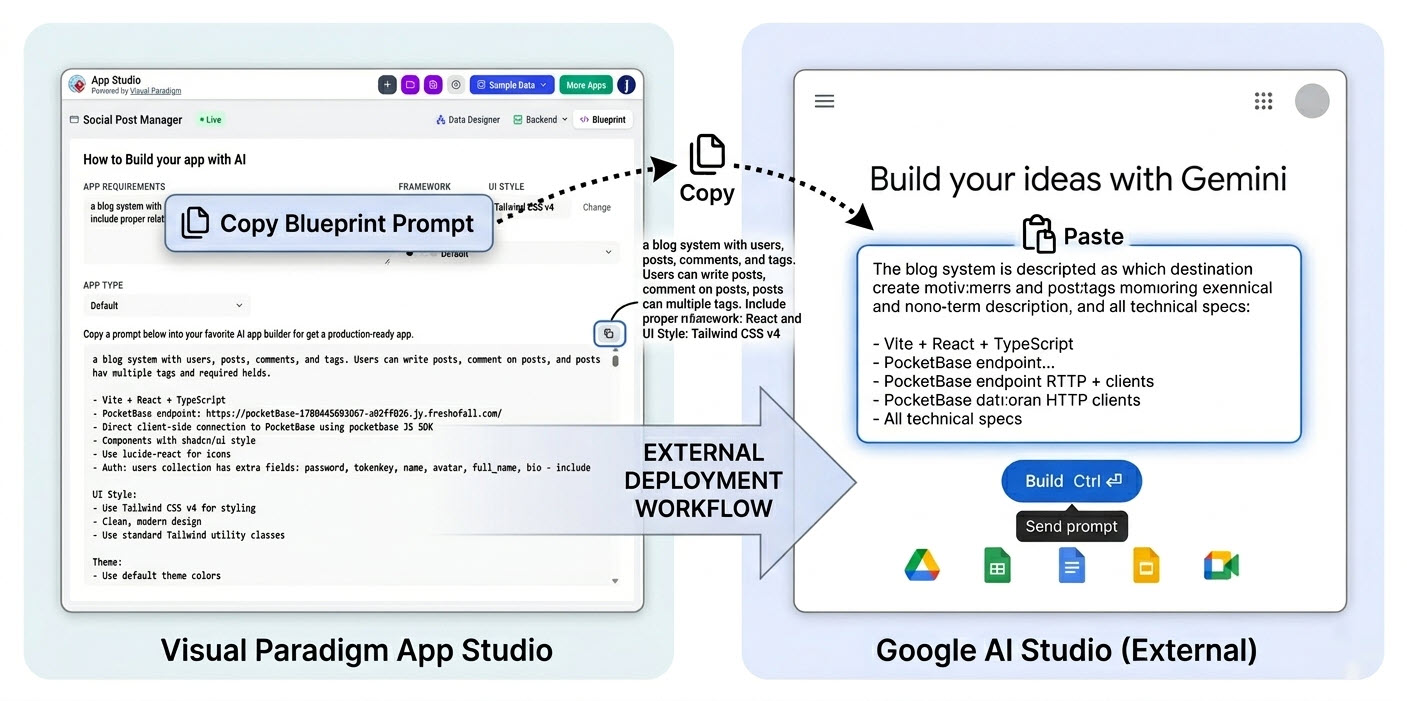
Take your copied blueprint from App Studio and paste it into any external Large Language Model environment optimized for software engineering (such as Google AI Studio, Anthropic Claude, or OpenAI ChatGPT):
- Paste the structural operational parameters into the designated System Instructions field to firmly anchor the AI’s role.
- Paste the master layout blueprint into the main text box and execute. The AI will interpret your App Studio parameters to instantly output standard frontend source code files.
2. Instant Static Web Cloud Hosting
Once you possess the raw source files, your application can be deployed instantly to the public web using any reliable static cloud hosting platform offering web-based directory uploads (such as Netlify Drop, Vercel, or GitHub Pages):
- Create a local directory folder on your desktop and save the AI-generated code blocks inside, ensuring your main homepage file is named exactly
index.html. - Open your hosting dashboard of choice and drag your unzipped local project folder directly into the web-based upload drop zone.
- Within moments, the static host will compile the directory and distribute a live, secure HTTPS link to access your operational cloud application from any browser worldwide.
Step-by-Step Case Studies
Building an Internal IT Helpdesk System using Visual Paradigm App Studio, Google AI Studio, and Vercel
Discover how Visual Paradigm AI App Studio’s data-driven approach helps you generate production-ready AI prompts, manage your database, and deploy your app — using a real-world Internal IT Helpdesk System as an example.
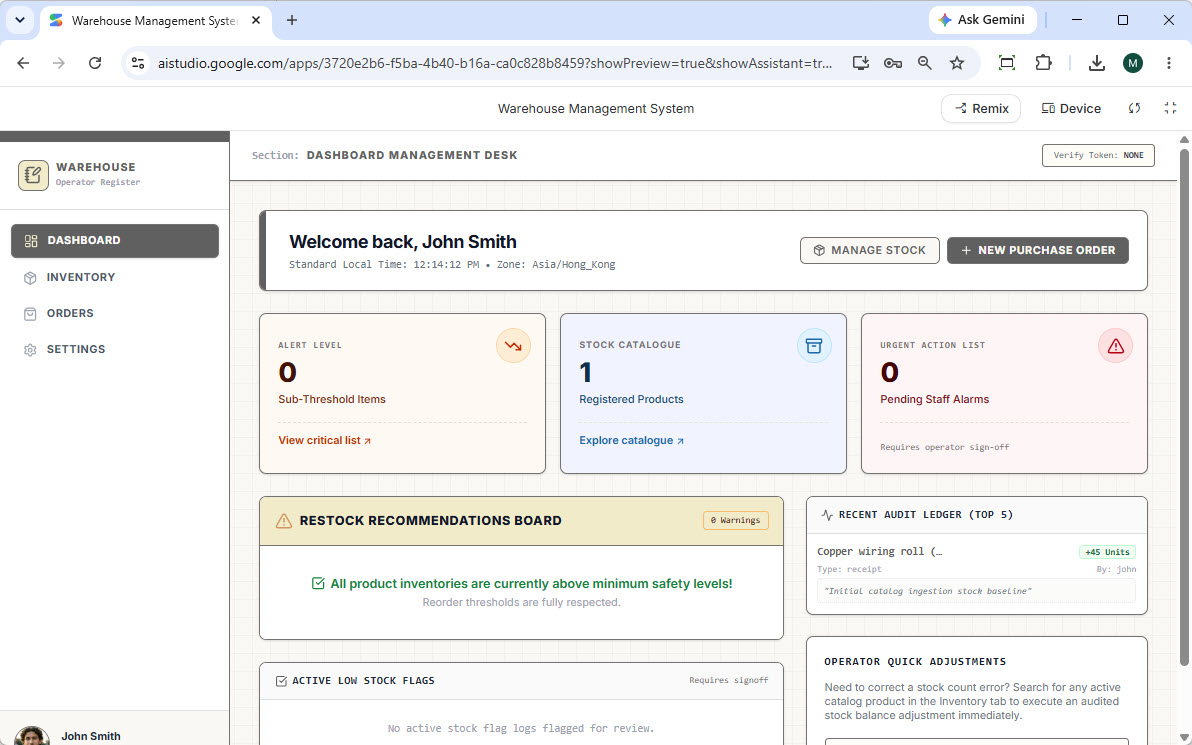
Building a Warehouse System with AI: Visual Paradigm App Studio, Google AI Studio, and Netlify
This step-by-step tutorial walks you through building a fully functional Warehouse Management System with Visual Paradigm AI App Studio. From AI-generated ERD design to database management and deployment on Netlify, discover how data-driven app development can accelerate your workflow.
Licensing and Access
To provide high-performance database provisioning, cloud hosting, and advanced AI orchestration, App Studio is included with our premium tiers. The tool is fully available to users holding active licenses for the following editions:
- Visual Paradigm Online: Combo Edition (or higher)
- Visual Paradigm Desktop: Professional Edition (or higher)
If you are currently on a lower tier or standard plan, you can upgrade your account directly through your Visual Paradigm account dashboard to instantly unlock full access to App Studio and the wider AI Toolbox suite.
Ready to automate your application development workflow from schema logic to UI layout? Log in to your cloud workspace and launch App Studio today.