


We are excited to announce the release of AI Presentation Studio, a groundbreaking web application designed to revolutionize how you create video presentations using artificial intelligence.
While most AI presentation tools on the market today offer a “one-shot” generation that outputs uneditable slide images or rigid HTML layouts, AI Presentation Studio introduces a structured, step-by-step wizard. This unique approach gives you complete control over your content, narration, and visuals at every single stage. If you are not happy with a specific detail, you do not need to re-generate the entire deck—you can easily step back, edit, and refine.
Key Features and Workflow
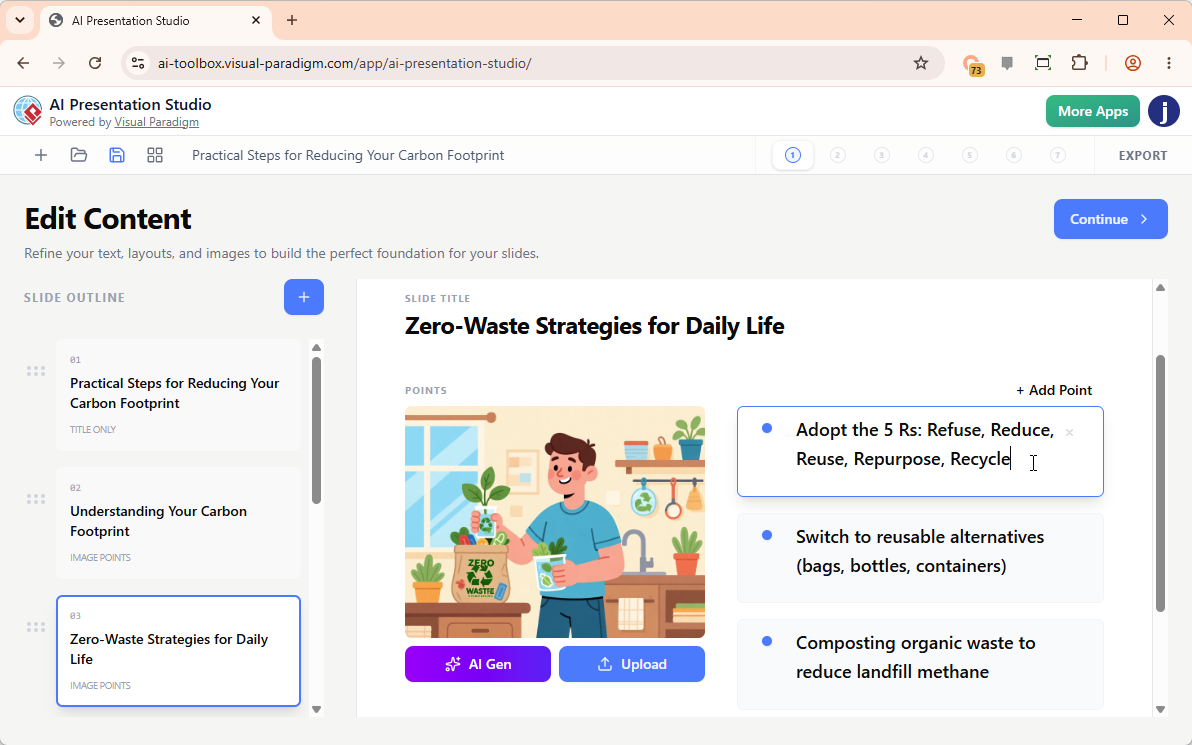
1. Interactive Content & Layout Editing
Start by entering your topic, target audience, preferred length, and language. The AI instantly generates a structured outline and automatically assigns dynamic visual layouts to your slides. Unlike traditional tools, you can edit the text directly in a real-time visual slide editor, add or remove slides, and change layouts instantly. You can also add custom graphics by uploading files, pasting from your clipboard, or generating new images with AI.
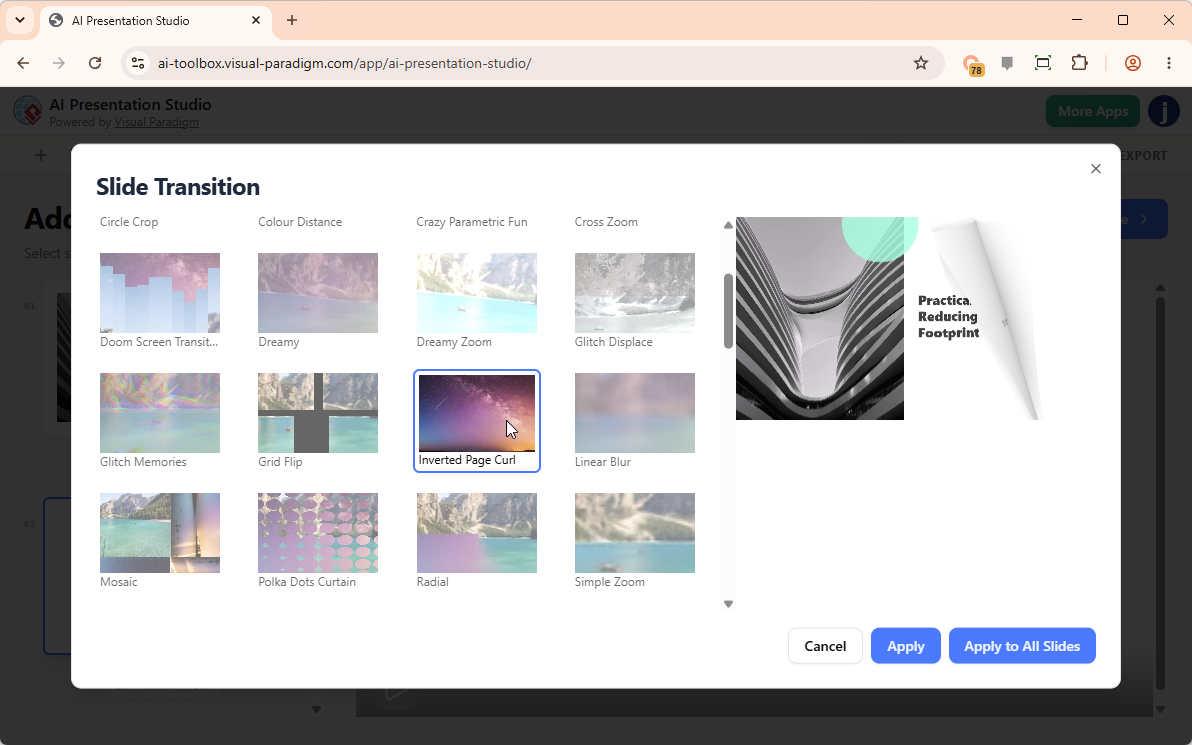
2. Dynamic Themes & 60+ Cinematic Transitions
Choose from a library of professional presentation themes and preview how they look in action via built-in video previews. Bring your presentation to life by choosing from over 60 high-quality transition effects—including page flipping, blur, bounce, wave, zoom, swirl, and wind. Apply them individually or instantly across all slides.
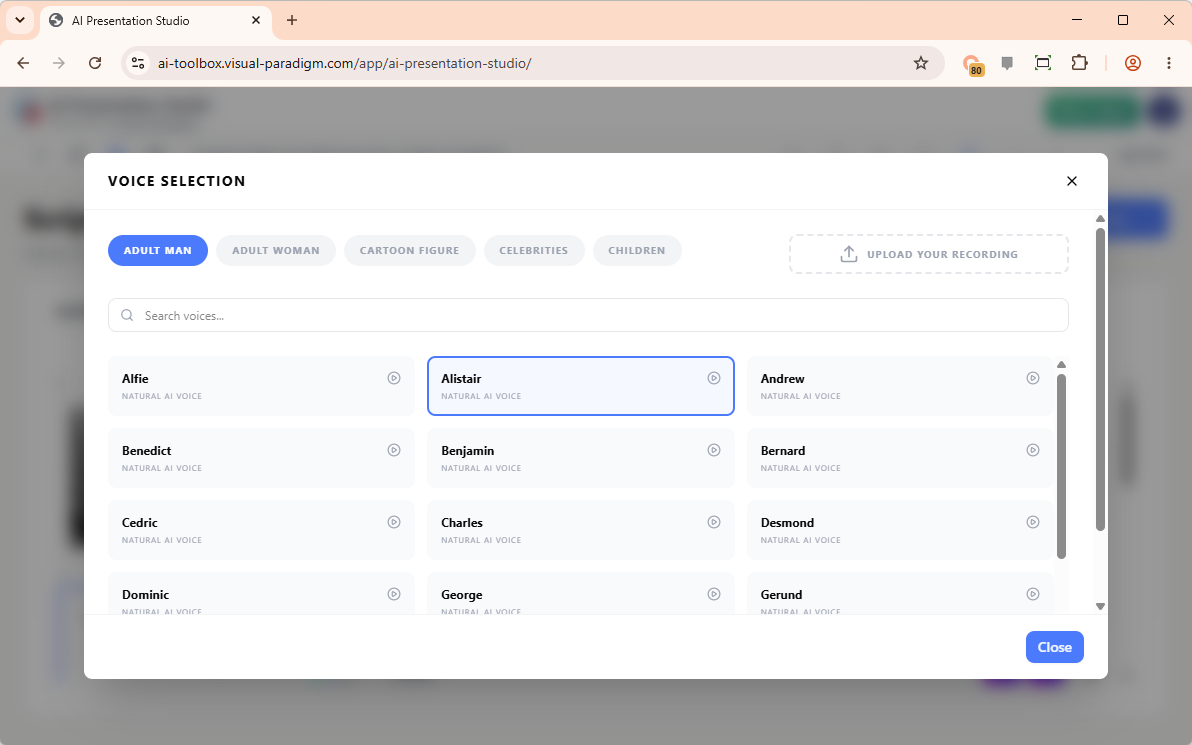
3. Advanced Scripting & Multi-Category Voiceovers
Prepare professional narration for your presentation slide by slide. You can type your scripts manually, upload your own voice recordings, or let the AI generate scripts for individual slides or the entire deck. Choose from hundreds of high-quality Text-to-Speech (TTS) speakers categorized by men, women, children, cartoon figures, and celebrities to find the perfect narrator for your project.
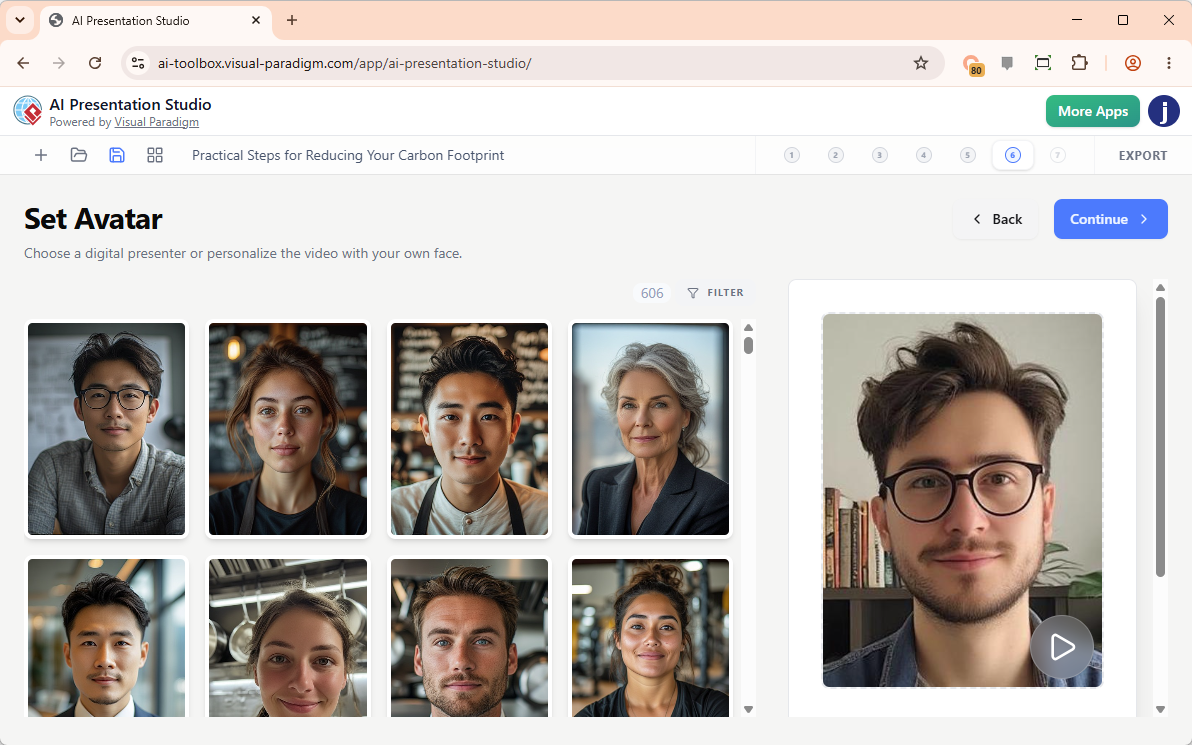
4. 600+ Hyper-Realistic AI Avatars with Face Swap
Take your video presentation to the next level by adding a realistic, lip-synced talking head avatar that speaks your script with human-like expressions. Filter through over 600 avatars tailored to various roles (such as business people, doctors, professors, chefs, and trainers). Want to present the video yourself? Use the innovative AI Face Swap feature to upload your own photo and seamlessly swap your face onto a professional avatar uniform.
5. Compilation & MP4 Export
Once your content, transitions, voiceover, and avatar are finalized, the app compiles everything into a high-definition MP4 video file. Download your completed masterpiece to share with colleagues, publish on social media, or upload directly to YouTube.
Licensing and Access
The new AI Presentation Studio is readily available in the following editions:
- Visual Paradigm Online: Available in the Combo Edition or higher.
- Visual Paradigm Desktop: Users with an active maintenance plan for the Professional Edition or higher are granted full access to the VP Online Combo Edition web apps, which includes complete access to the AI Presentation Studio.
Log in to your account today to experience the future of fully controllable AI video presentation creation!
Try it now at: https://ai-toolbox.visual-paradigm.com/app/ai-presentation-studio/
Related posts:
 Transform Your Analysis with Our New Free AI 5-Aspect Infographic Tool
 Instantly Create and Manage Data with Our AI JSON CRUD Table Maker
 Introducing the AI-Powered Website Builder: Create Stunning Websites in Minutes
 Introducing Visual Paradigm 18.1: A New Era of Unified Ecosystems and AI-Driven Innovation