
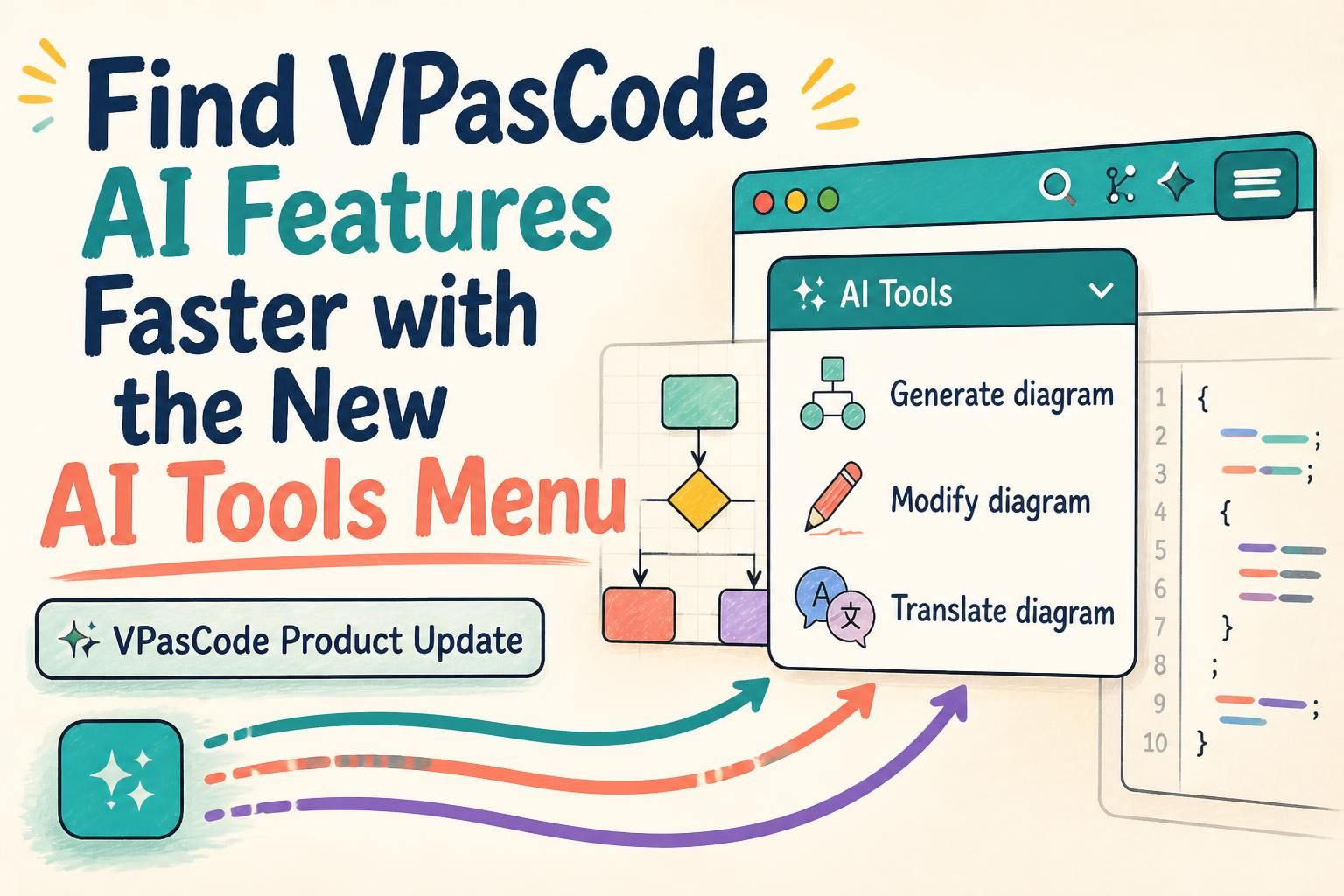
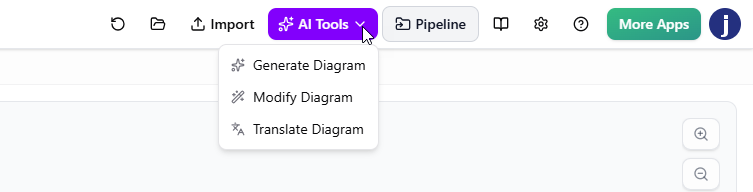
We’ve made it easier to access the AI features in VPasCode. With this small but useful interface update, AI diagram generation, AI diagram modification, and AI diagram translation are now grouped in one convenient AI Tools drop-down menu in the app bar.
Instead of looking in different parts of the workspace for different AI actions, you can now start from one consistent place. The result is a clearer, more predictable way to discover and use AI assistance while working on diagrams.
Open VPasCode and look for AI Tools in the app bar.
What’s new in VPasCode?
VPasCode brings text-based diagramming into a browser-based workspace, where you can work with diagram code and view the resulting diagram. This update focuses on how you reach its AI-powered capabilities: the three AI features that were previously launched from separate areas of the interface are now collected in one drop-down menu.
- AI diagram generation: Start a diagram from a natural-language description.
- AI diagram modification: Ask AI to refine or update an existing diagram.
- AI diagram translation: Translate diagram text for readers who use another language.
To learn more about VPasCode and its diagram-as-code workflow, visit the VPasCode feature page.
One place for AI diagramming actions
Before this update, each AI feature had its own entry point. AI diagram generation was available from the app bar, while AI diagram modification and AI diagram translation were accessed above the code editor. Each action could be found in the interface, but users had to know where to look depending on what they wanted to do.
Now, the app bar’s AI Tools menu provides a shared starting point for these capabilities. Whether you’re creating a diagram, improving one, or translating its labels, you can begin by opening the same menu.
Why this small update matters
Grouping the AI features is a modest interface change, but it improves the everyday experience in practical ways:
- Faster access: You don’t need to remember which part of the interface contains a particular AI action.
- Easier discovery: Users can see that VPasCode offers multiple AI-powered diagramming tools from one visible menu.
- A more consistent workflow: Generation, modification, and translation follow the same entry-point pattern.
- Less interface hunting: Keeping related actions together makes it easier to stay focused on diagram work.
In short, the update reduces the effort involved in finding the right feature. When an AI tool is easy to locate, it’s easier to use it at the moment it can help—whether you’re starting with an idea, refining a diagram, or preparing it for a wider audience.
Three AI tools for different stages of diagram work
Generate a diagram from a description
When you have an idea but haven’t started writing diagram code, AI diagram generation can help create a starting point from a plain-language description. For example, you might describe a user login flow or outline the components of a software system, then use the generated diagram as a basis for further work.
Modify an existing diagram
As a project develops, diagrams often need to change. AI diagram modification lets you request updates to an existing diagram rather than making every change from scratch. It can be useful when you want to add a step, adjust a relationship, or refine the diagram to reflect a new requirement.
Translate diagram text
Diagram translation helps make diagram labels and text more accessible to people who use different languages. It can support teams preparing project materials for international colleagues, stakeholders, or customers.
These tools support different moments in a diagramming workflow: creating, revising, and communicating. The new AI Tools menu makes all three easier to find from one place.
How to access the AI Tools menu
- Open VPasCode.
- Go to the app bar at the top of the workspace.
- Select AI Tools to view the available AI features.
- Choose the action that fits your task: generate, modify, or translate a diagram.
A more discoverable VPasCode experience
This enhancement is about making existing functionality easier to reach. VPasCode’s AI diagram generator, AI diagram modifier, and AI translation tool remain focused on helping with different diagramming tasks; what’s changed is that users can now find these related capabilities together in the app bar.
If you’re new to VPasCode, explore the VPasCode feature overview to learn more about the platform. If you’re ready to try the updated interface, launch VPasCode and open AI Tools.
Frequently asked questions
Where can I find VPasCode’s AI features now?
Open the AI Tools drop-down menu in the app bar at the top of the VPasCode workspace.
Which AI features are grouped in the menu?
The menu brings together AI diagram generation, AI diagram modification, and AI diagram translation.
What changed about AI diagram generation?
AI diagram generation was previously accessed from the app bar. It is now grouped with the other AI features under the AI Tools menu.
What changed about AI diagram modification and translation?
These features were previously accessed above the code editor. They are now available from the shared AI Tools menu in the app bar.
Why group the AI tools together?
Grouping the features gives users one predictable place to find AI assistance, makes the available capabilities easier to discover, and reduces the need to search different areas of the interface.
Try VPasCode and find your diagramming AI tools in one place.