


We are thrilled to announce a significant enhancement to Visual Paradigm’s diagramming toolkit, specifically designed to elevate your process documentation. Our upgraded professional flowchart creation software delivers an unparalleled, intuitive experience for engineers, analysts, and business users alike. This powerful update solves the complexity of creating detailed, validated workflow diagrams, ensuring your business process models are not just visually appealing, but also technically accurate and compliant with industry standards. If you need a robust, integrated business process modeling software, your search ends here.
Download Visual Paradigm Desktop
Before this release, users of many general-purpose diagramming tools often struggled with a few key pain points when documenting complex systems or workflows:
- Inconsistency: Generic shapes often led to ambiguous meaning, making it difficult for stakeholders to interpret the process correctly.
- Validation Difficulty: The lack of built-in modeling rules made it easy to create logically flawed or incomplete process flows.
- Lack of Integration: Flowcharts often existed in silos, disconnected from the core system documentation like UML models or database diagrams.
This inconsistency and lack of validation undermined the core goal of process modeling: achieving clarity and alignment.
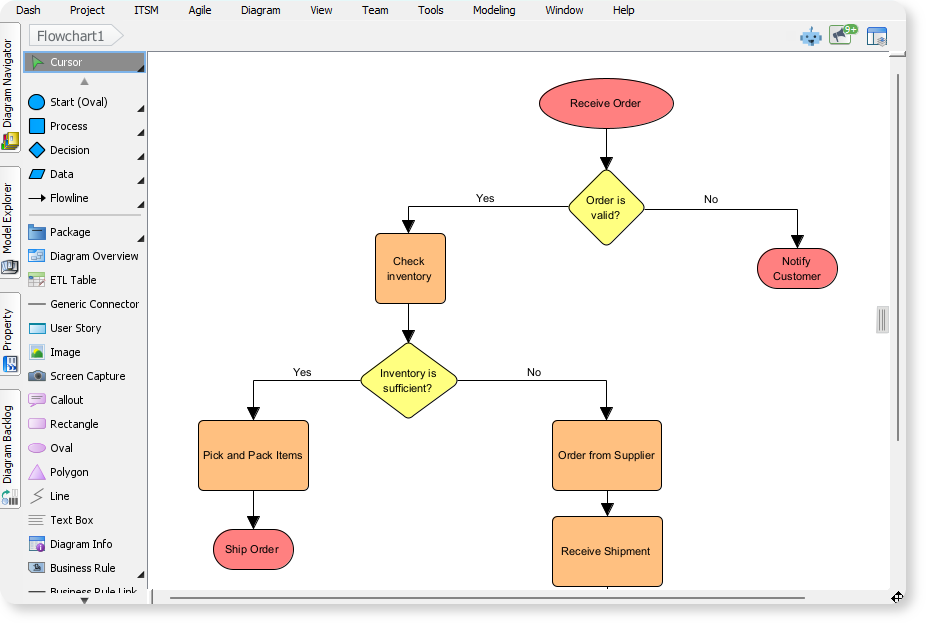
Introducing the Enhanced Flowchart Editor: Model, Validate, Integrate
We built this enhanced editor to transform the creation of simple flowcharts into a professional-grade process modeling activity. It’s more than just a drawing tool; it’s a dedicated process validation tool that ensures your diagrams are structurally sound from the moment you start drawing.
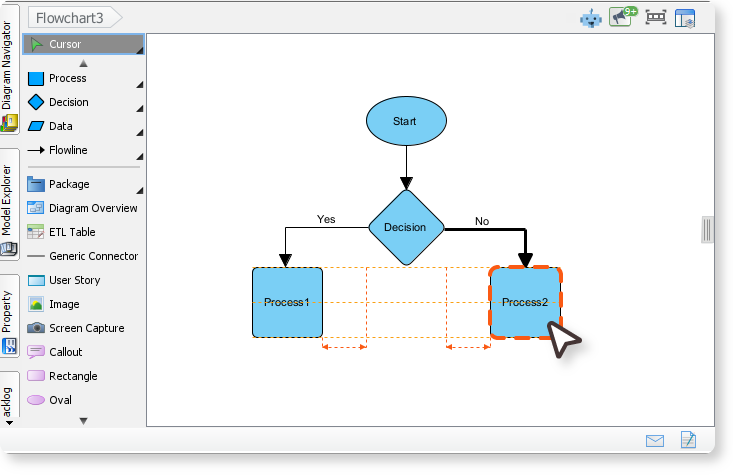
Flowchart Example: Student Enrollment Process
This flowchart, created with the Visual Paradigm Flowchart Creator, shows the main steps and decisions in the student enrollment process. It covers application submission, approval review, fee payment, and final confirmation.
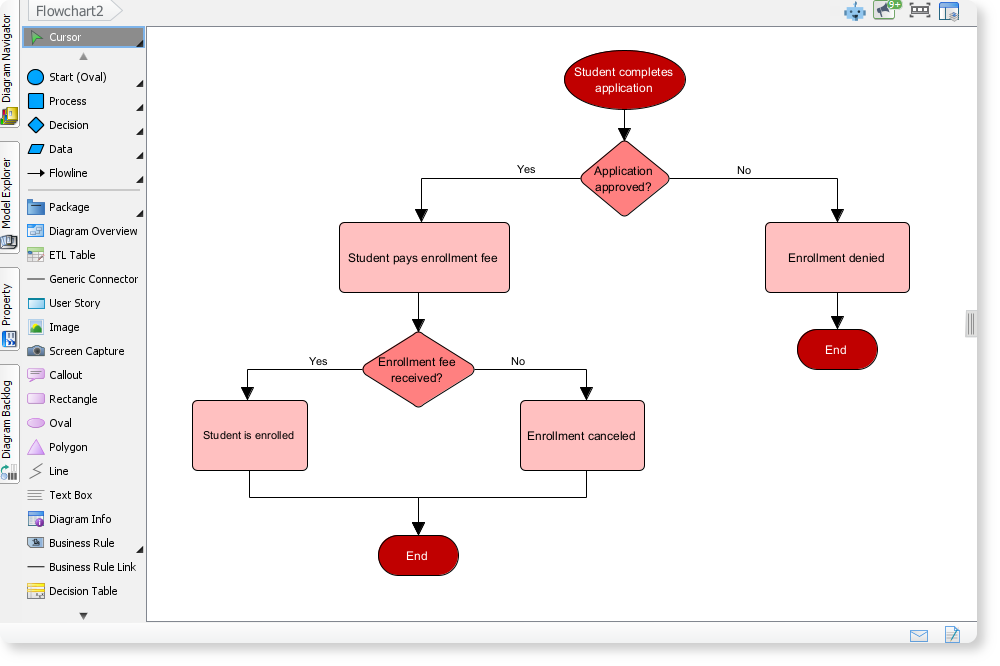
Flowchart Example: Manufacturing Production Process
This flowchart models the full cycle of a manufacturing process, from raw material intake to final product storage. With the VP Flowchart Creator, you can easily drag and drop elements to build the process and visualize each step in a clear, structured way.
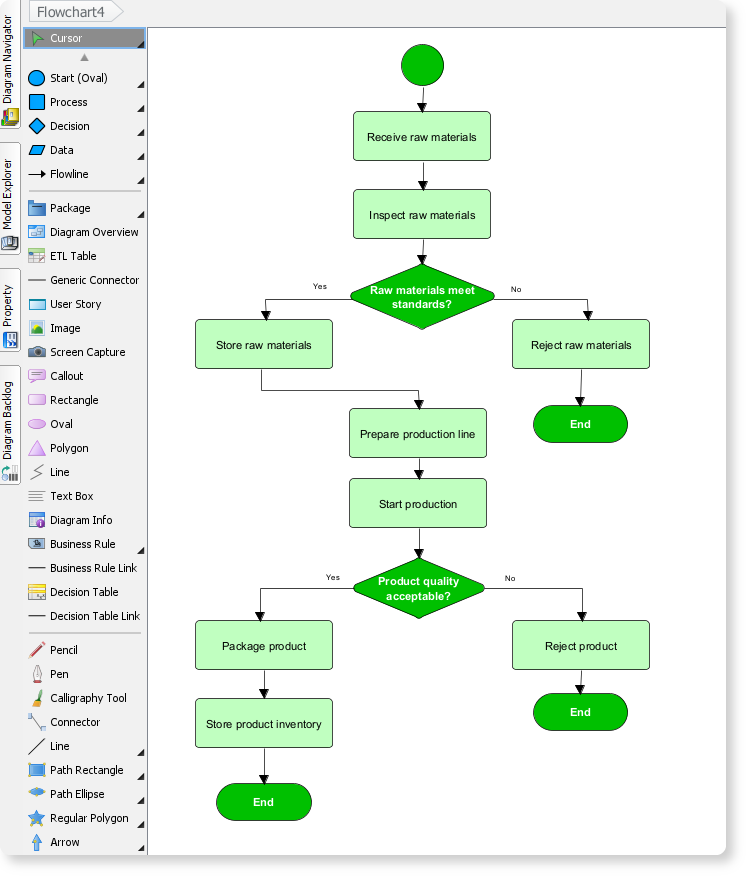
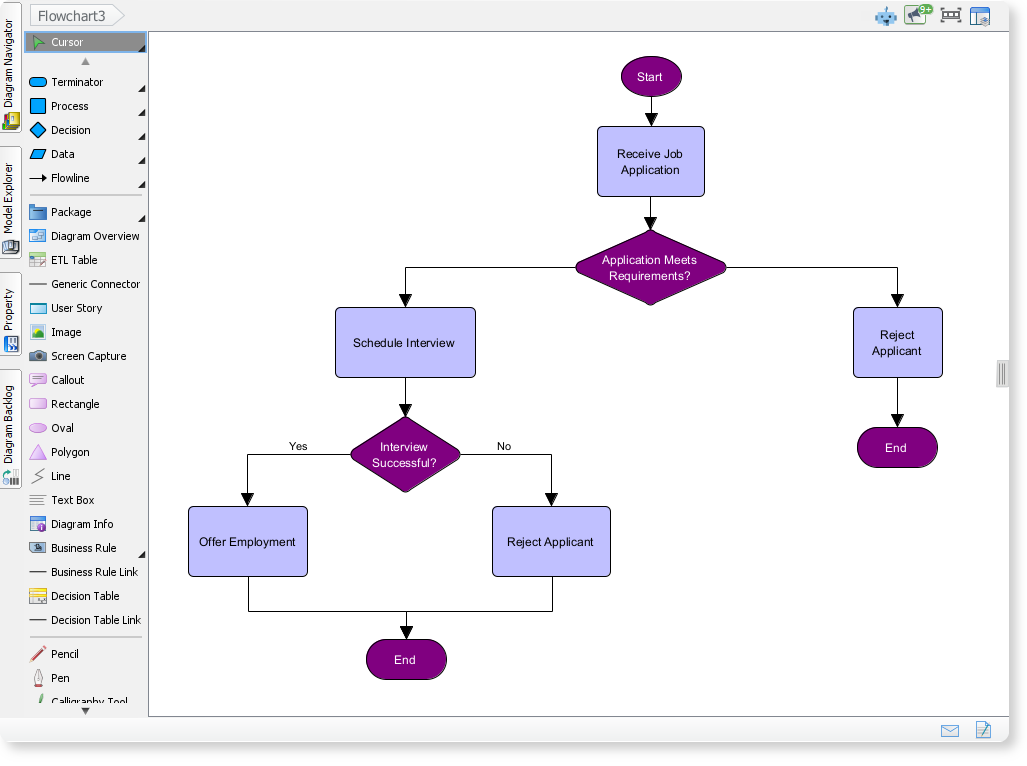
Flowchart for a Hiring Process in a Company
Here is a flowchart created with the Visual Paradigm Flowchart Creator, outlines the key steps in a company’s hiring workflow. It begins with receiving a job application and moves through two main decision points: checking whether the applicant meets requirements and determining if the interview is successful. Based on these decisions, the process leads to either offering employment or rejecting the applicant before reaching the end of the workflow.
How to Access and Use the New Feature
As a fully integrated component of the Visual Paradigm modeling platform, the enhanced flowchart editor is immediately available to all users. No separate downloads or complicated setup is required. The feature is standard in all editions (Standard, Professional, Enterprise) with a valid license.
To start creating your next professional process model:
- Open Visual Paradigm and go to Diagram > New.
- Select Flowchart from the list of diagram types.
- In the editor, use the enhanced palette to drag and drop flowchart symbols onto the canvas.
This streamlined process allows you to immediately benefit from the most powerful Visual Paradigm flowchart editor yet.
Ready to Model and Validate Your Business Processes?
The success of any project—whether it’s software development, quality control, or organizational restructuring—depends on the clarity of its underlying processes. With Visual Paradigm’s enhanced professional flowchart tool, you can move beyond simple drawing and step into true process modeling.
Start designing validated, consistent, and fully integrated flowcharts today. Enhance team alignment, simplify complex documentation, and ensure every stakeholder is working from a single, accurate source of truth.