


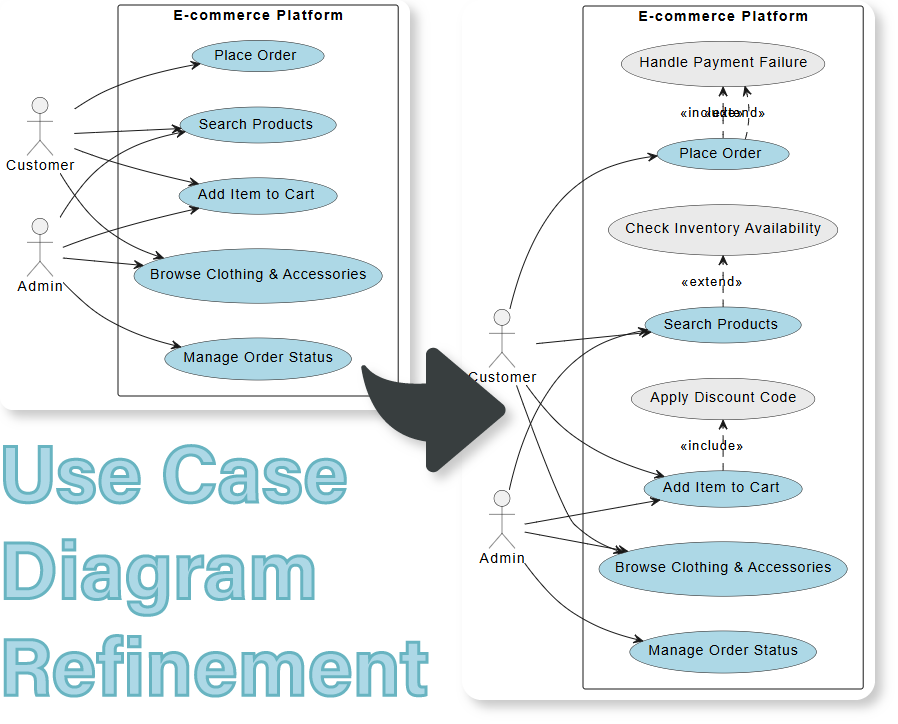
We are excited to introduce the Use Case Diagram Refinement app, a powerful and free use case diagram tool that uses AI to perfect your system designs. This intelligent tool helps you transform basic user stories or simple “happy path” scenarios into comprehensive use case descriptions, ensuring your system requirements are clear, complete, and robust.
The Challenge of Creating Comprehensive Use Cases
Manually drafting use cases is time-consuming. It’s easy to focus on the main success scenario while missing alternative flows, forgetting crucial exception handling, or overlooking key interactions. This can lead to incomplete requirements and downstream development issues when unhandled scenarios are discovered too late in the process.
Introducing the Use Case Diagram Refinement Tool: Perfect Your Diagrams with AI
We designed this tool to help system analysts, developers, and students create robust and complete use case specifications with less effort and greater accuracy. Our AI performs an intelligent use case diagram refinement, enriching your initial ideas with the detailed alternative and exception flows required for solid system design.
- AI-Powered Refinement: Simply provide a basic use case description, and our AI will analyze it to suggest improvements, including important alternative flows and potential exception scenarios.
- Ensure Complete Scenario Coverage: Automatically identify and document missing steps, exception paths, and alternative user choices to make your system models more resilient and thorough.
- Improve Clarity and Consistency: Generate well-structured textual descriptions that are easy for all stakeholders—technical and non-technical—to understand, forming a perfect blueprint for your diagram.
- Accelerate System Analysis: Drastically reduce the time it takes to move from a rough concept to a polished, comprehensive use case specification.
- Generate Diagrams from Your Refined Text: Use the rich, AI-generated description as a guide to quickly and accurately draw a complete use case diagram in our full-featured editor.
How to Refine Your Use Case Diagram
Creating a professional use case specification is now faster than ever. Here’s how to access the tool:
- For Visual Paradigm Online users: Navigate directly to the app at https://ai-toolbox.visual-paradigm.com/app/use-case-diagram-refinement/.
- For Visual Paradigm Desktop users: Open your desktop application, go to the Tools > App menu, and select the Use Case Diagram Refinement tool.
Once you’re in the app, follow this simple workflow:
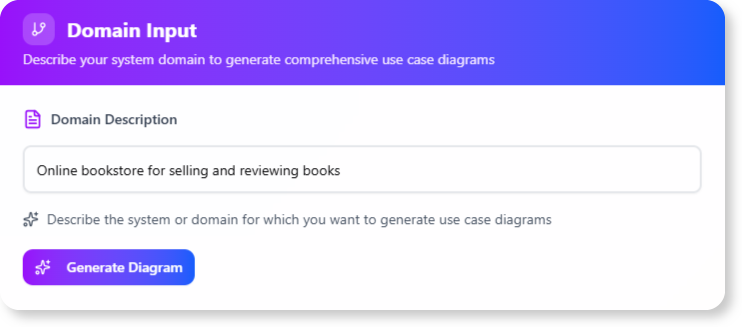
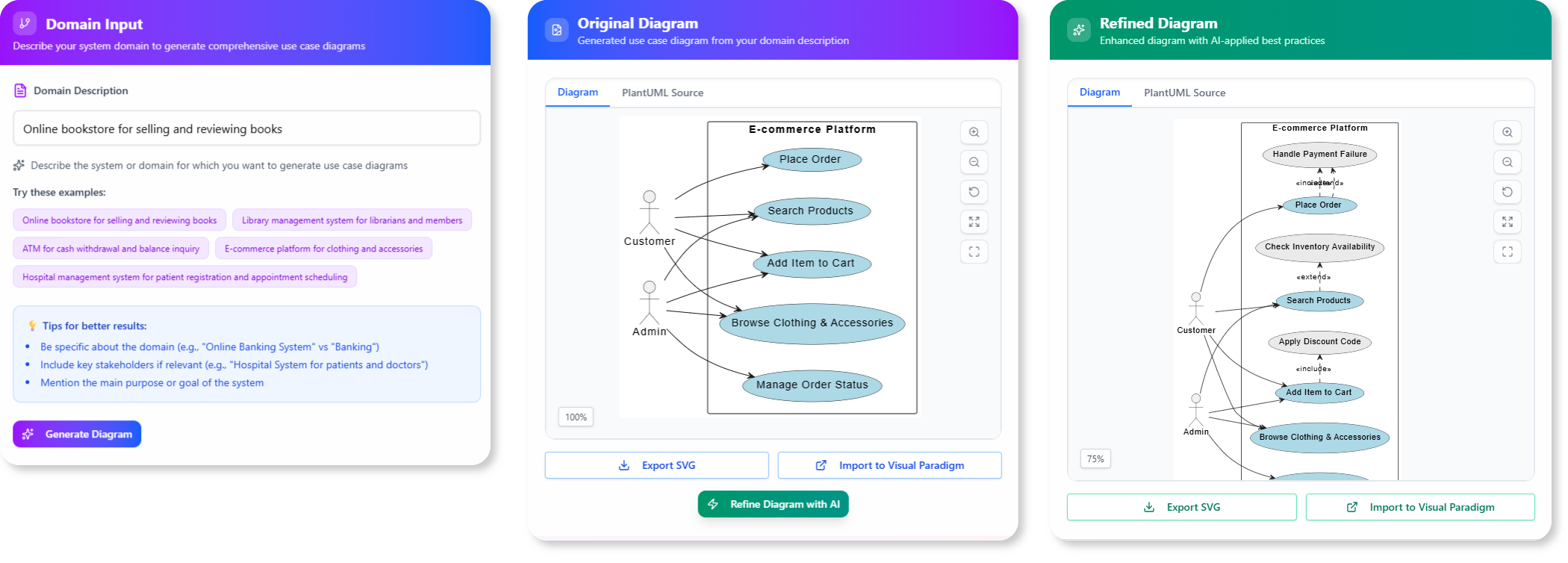
- Describe Your Use Case: Start by providing a title and a brief description of the user interaction you want to model, focusing on the main success scenario.
- Let AI Do the Work: Click the “Refine” button. Our AI will analyze your input and generate an enriched description that includes additional steps, alternative flows, and exception handling.
- Use the Blueprint to Draw: Your AI-generated specification is now a perfect, detailed guide. Use it to draw a complete and accurate UML Use Case Diagram that accounts for all the identified scenarios.
Ready to Design Better Systems, Faster?
Eliminate the guesswork and manual effort from system analysis. The Use Case Diagram Refinement tool helps you create clearer, more complete requirements, leading to better-built software. Capture the full picture and accelerate your development lifecycle today.
Learn More:
Discover more about the Use Case Diagram Refinement Tool and how it can enhance your system design process.