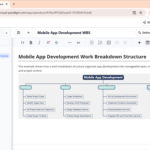
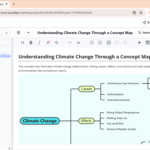
In project planning, linguistics, and decision science, the ability to visualize branching paths is essential. To provide you with the best tools for logical decomposition, Visual Paradigm has introduced a Tree Diagram editor to OpenDocs. This enhancement allows you to create structured, hierarchical diagrams that clearly illustrate sequences of events, decision paths, or classification sets.
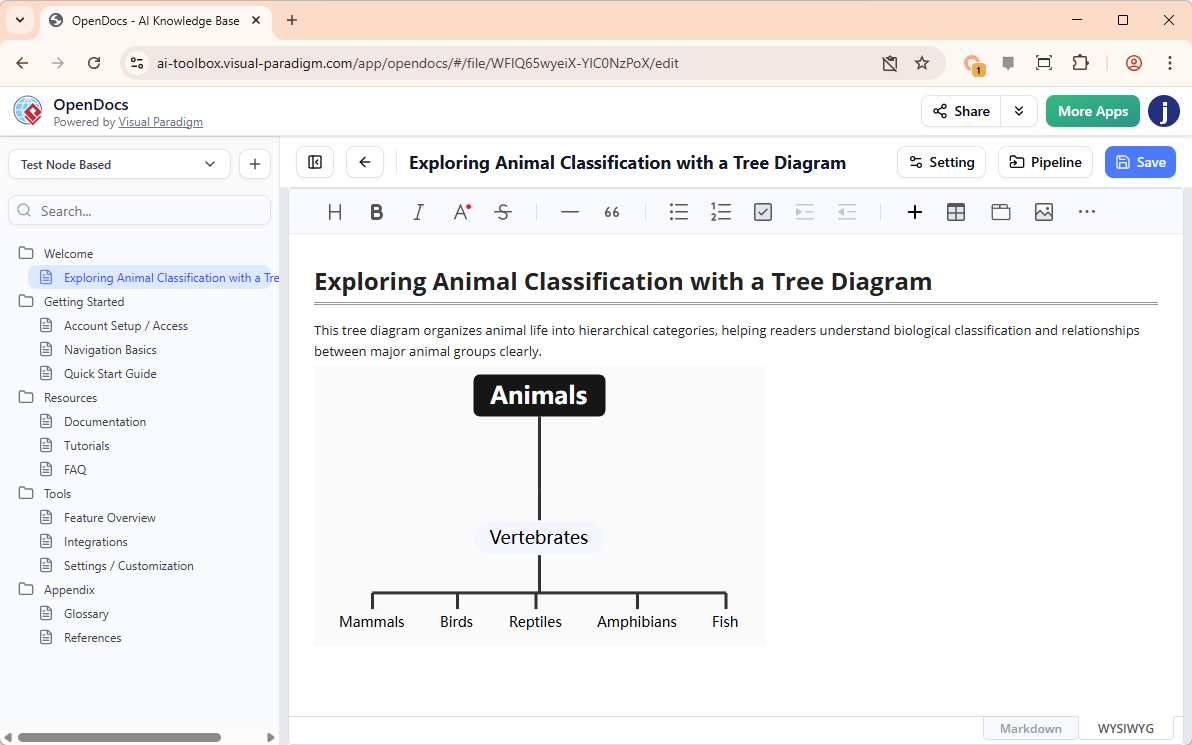
With our new AI tree diagram tool, you can move from a complex set of possibilities to a clean, professional hierarchy in seconds.
The Value of Branching Logic
A tree diagram tool is a versatile asset for any professional document. By organizing data in a top-down or left-to-right branching structure, you can:
- Perform detailed probability and decision-tree analysis.
- Visualize folder structures, site maps, or family trees.
- Break down a central topic into increasingly granular sub-categories.
- Ensure all potential outcomes of a process are accounted for.
Smarter Branching with “Create with AI”
Mapping out every single branch of a complex tree can be time-consuming. Our AI tree diagram tool streamlines this process significantly. By clicking “Create with AI,” you can describe the hierarchy you wish to visualize—for example, “A decision tree for a customer support bot handling refund requests, technical issues, and general inquiries”—and the AI will instantly generate the logic gates and branches for you.
This gives you a structured foundation that you can then edit, expand, or restyle to meet the exact requirements of your documentation.
How to Create a Tree Diagram in OpenDocs
Creating your visual hierarchy is integrated directly into your existing workflow:
- Open the Editor: In your OpenDocs document, click the + (Plus) icon on the top bar.
- Select Tree Diagrams: Navigate to Tree Diagrams on the left-hand menu, then select the Tree Diagram option on the right.
- Leverage AI: Click Create with AI at the top right. Enter a description of the hierarchy or decision path you need and click Generate.
- Refine the Structure: Use the editor to add new branches, change node styles, or reorganize the hierarchy.
- Save and Embed: Click Save at the top right. Your tree diagram will be automatically embedded into your page.
Availability
The AI-powered Tree Diagram feature is available to users of:
- Visual Paradigm Desktop Professional Edition
- Visual Paradigm Online Combo Edition
Visualize Your Logic Today
Don’t let complex hierarchies get lost in translation. Use the AI tree diagram tool in OpenDocs to create clear, professional, and logical maps that enhance the readability of your documentation.
Create Your AI Tree Diagram in OpenDocs Now