


We’re excited to announce a powerful new integration that bridges our innovative AI Chatbot with the full power of Visual Paradigm Desktop. Building on recent enhancements to AI activity diagram generation — including orphan decision removal and vibrant, readable visuals — users can now seamlessly import AI-generated activity diagrams into Visual Paradigm Desktop for professional-grade editing, collaboration, and project integration.
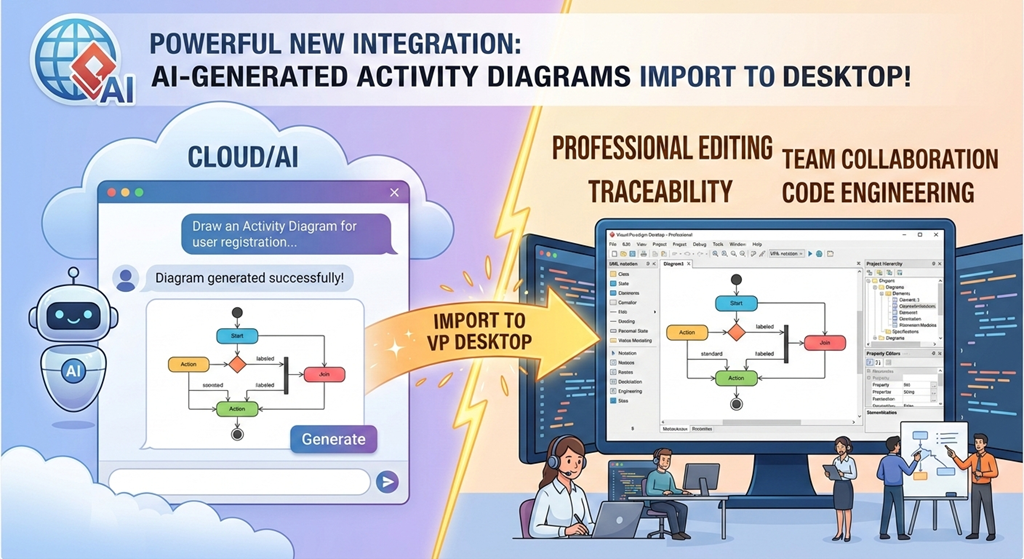
This update transforms the AI activity diagram tool into a true end-to-end solution: start with natural language in the cloud-based chatbot, refine instantly, and then bring your diagram into the robust desktop environment where you can add detailed specifications, traceability, code engineering, and team collaboration features.
How to Use the New Import Feature
The process is straightforward and designed to fit naturally into your modeling workflow:
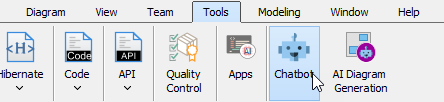
- Launch the AI Chatbot from within Visual Paradigm Desktop: Go to Tools > Chatbot to open the integrated AI assistant without leaving your project.
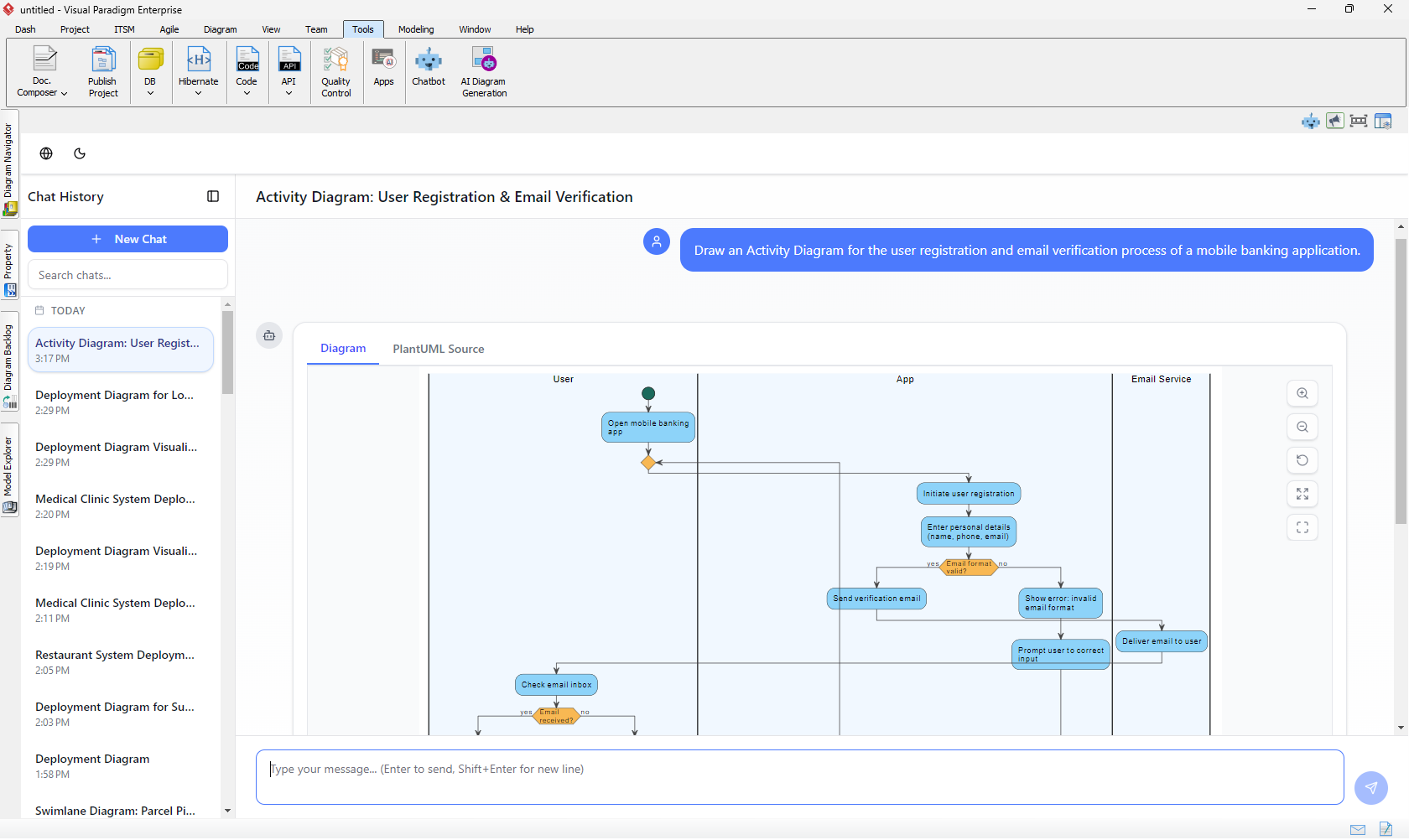
- Generate your Activity Diagram as usual: Describe your process, workflow, or use case in plain English (e.g., “Draw an Activity Diagram for the user registration and email verification process of a mobile banking application.”). The AI-powered UML generator will produce a clean, professional diagram instantly.
- Import to Visual Paradigm Desktop with one click: When satisfied with the result, simply click the Import to Visual Paradigm button.
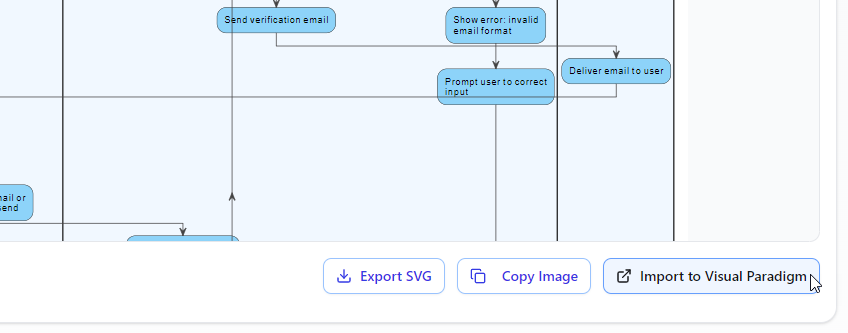
The diagram is added as a new diagram in your current Desktop project, fully editable with all standard tools, layers, stereotypes, and advanced UML features.
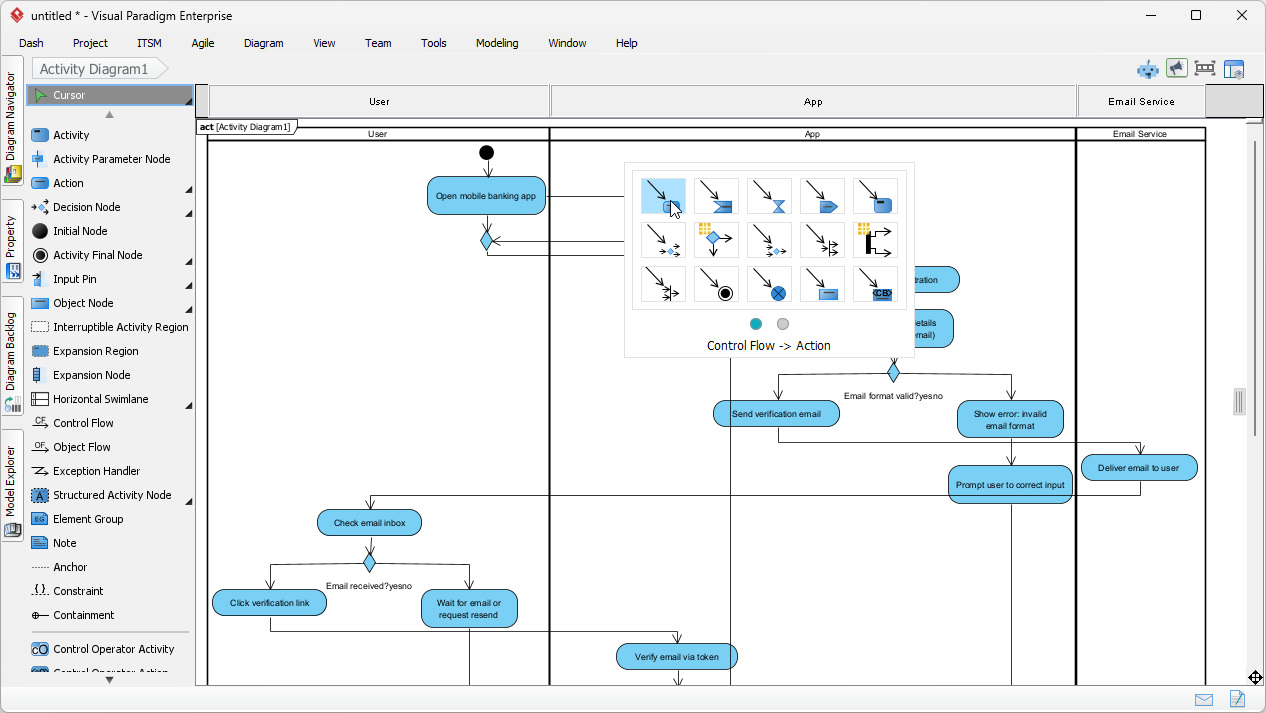
Note: This import capability requires a Visual Paradigm Professional Edition (or higher) license for full compatibility with UML activity diagrams.
Benefits of Importing AI Activity Diagrams to Desktop
Combining AI diagram generation speed with Desktop’s depth delivers real productivity gains:
- Start fast with AI from text prompts
- Refine conversationally in the Chatbot
- Integrate into larger projects: link to use cases, sequence diagrams, requirements, or generate code/documentation
- Enable team collaboration, version control, and repository management
Supercharge Your Workflow with AI + Desktop Integration
As a leading AI UML tool, Visual Paradigm continues to blend cutting-edge AI with enterprise-grade modeling. This new import feature for AI activity diagram generation makes it easier than ever to go from idea to fully realized UML model.
Learn more about the AI Chatbot and its powerful diagram capabilities:
Visit the AI Chatbot Home Page
Ready to generate and import activity diagrams with AI? Access the Chatbot directly and experience the seamless integration:
Launch AI Chatbot Now & Start Importing
Or open it inside Visual Paradigm Desktop via Tools > Chatbot if you already have the application running.
We’re continuously enhancing our AI-powered UML generator tools—stay tuned for more updates that make modeling smarter and faster!
Visual Paradigm Team