


Visual presentation of data is key to effective communication. Whether you are crafting business reports, educational materials, or marketing campaigns, Visual Paradigm is excited to announce the launch of our next-generation AI Infographic Maker. This powerful AI infographic tool empowers anyone to transform raw data, complex ideas, and text descriptions into stunning visual stories in seconds.
What is the Visual Paradigm AI Infographic Generator?
The AI Infographic Maker is an all-in-one smart design platform built to automate visual layout creation while giving you complete creative freedom. Powered by advanced artificial intelligence, this versatile AI infographic editor automatically analyzes your topic or raw data and generates a tailored, professional design instantly.
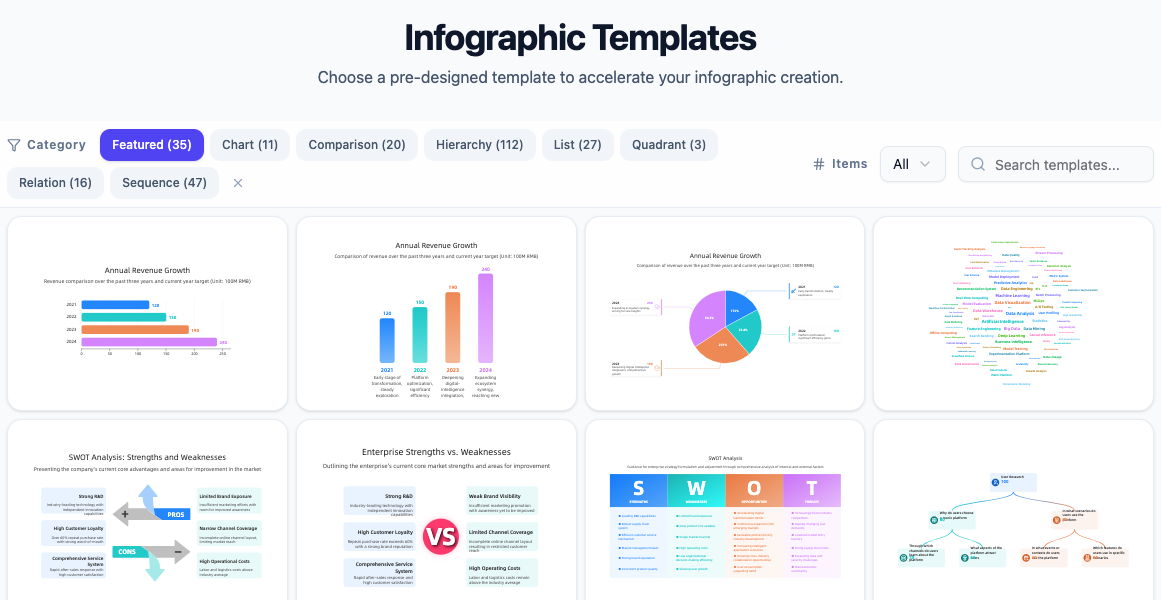
Key Capabilities of Our AI Infographic Tool
1. AI-Powered Infographic Generation
Simply input your text, problem description, or statistical figures. The smart AI infographic editor turns your input into a compelling infographic designed for clarity and engagement.
2. Over 200+ Styles & Hand-Drawn Themes
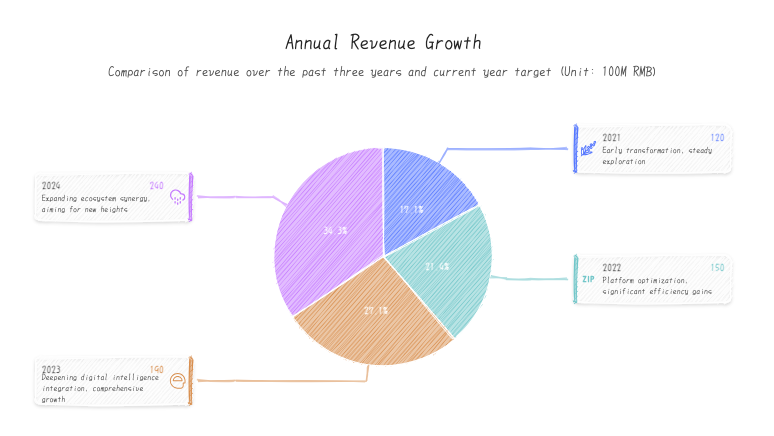
Choose from over 200 professionally crafted design styles. From sleek, modern corporate layouts to creative hand-drawn infographic styles, there is a design for every industry and narrative.
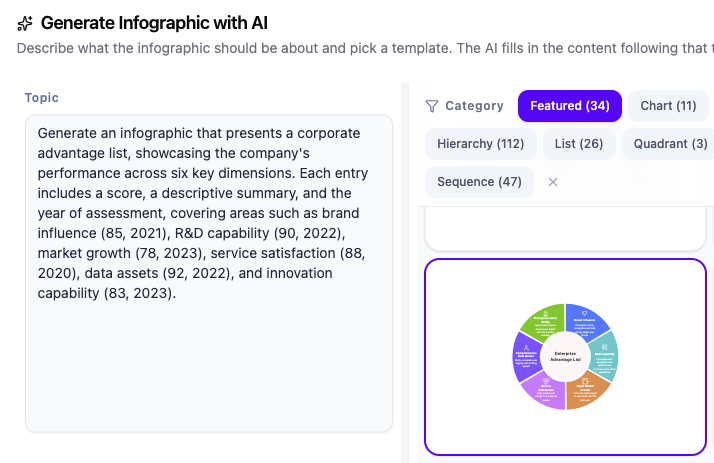
3. Tailored Prompt Examples
To help you get the best possible results, our AI infographic maker includes infographic-specific prompt examples. You can quickly adapt these examples to your exact topic to achieve optimal layouts instantly.
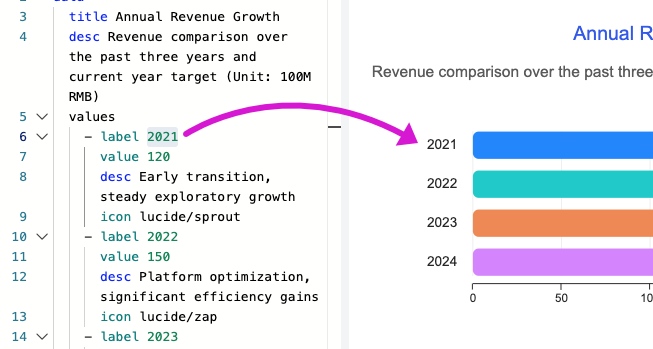
4. Dual-Mode Editing: Direct Visual Graph & DSL Code Editor
Enjoy total control over your final design with flexible editing options:
- Visual Canvas Editing: Click directly on any element or double-click text to modify labels, font families, and font sizes visually on the canvas.
- DSL Code Editing: Power users can use the integrated code editor on the left to quickly adjust structured content using code (DSL).
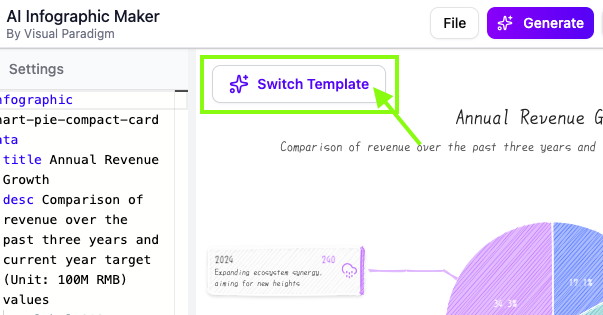
5. Smart AI-Powered Template Swapping
Want to test a different look without losing your work? The AI infographic tool allows you to switch to another template seamlessly while retaining all of your current content and data.
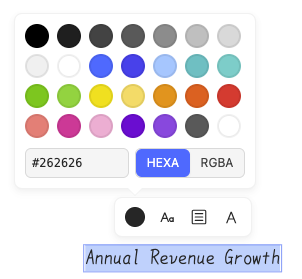
6. Global Font Controls
Maintain brand consistency effortlessly. Fine-tune font sizes globally across all specific content types—including titles, descriptions, item labels, and item descriptions—with a single click.
7. Cloud Storage, Collaboration & Easy Exporting
Managing your visual assets has never been easier:
- PNG Export: Download high-resolution PNG images ready for presentations, blogs, or social media.
- Pipeline Integration: Send infographics directly into your existing workflow pipelines.
- Cloud Workspace: Save your projects safely in your cloud workspace and access them anytime.
- URL Sharing: Share a direct URL to present your infographics quickly to team members or clients.

Frequently Asked Questions
How does an AI infographic maker work?
An AI infographic generator uses artificial intelligence to analyze raw text or numerical data, structure the narrative logically, and apply suitable layout rules, typography, and visual assets automatically.
Can I customize my design after generating it with the AI infographic editor?
Yes. Visual Paradigm’s AI infographic editor provides full visual editing capabilities directly on the canvas, as well as a code-based DSL editor for quick batch updates.
Can I change templates without losing my data?
Yes. Our AI infographic maker features AI-powered template swapping, allowing you to instantly preview your content across different visual styles without re-entering data.
Start Creating with the AI Infographic Tool Today
Turn complex information into captivating visuals without design friction. Explore the new AI Infographic Maker from Visual Paradigm and start bringing your data to life today.