


When working with a modern text to diagram tool like VPasCode, converting plain code into visual documentation is fast and efficient. However, default diagram visuals can sometimes look plain or hard to read. That is where applying a PlantUML theme comes in. Themes let you instantly customize the look and feel of your visuals—changing color palettes, fonts, borders, and layouts—so your visual documentation looks polished and professional without manual CSS-style editing.
Whether you want a sleek modern aesthetic, a high-contrast dark mode, or a classic retro terminal look, using a text to diagram tool with theme support transforms simple code into clear, eye-catching visual documentation in seconds. A well-styled PlantUML diagram makes complex architectural workflows easier for team members and stakeholders to understand at a glance.
Popular PlantUML Themes in Action
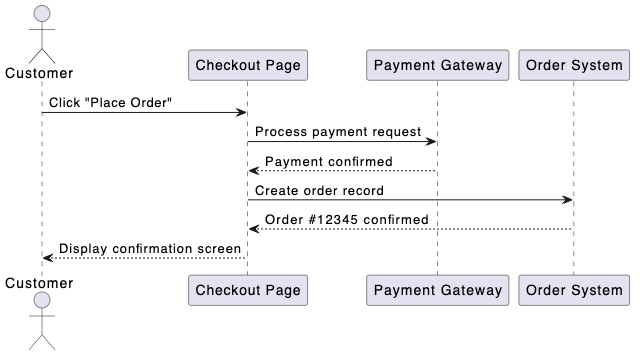
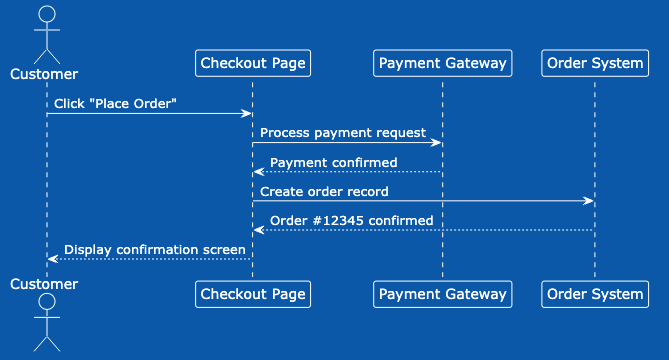
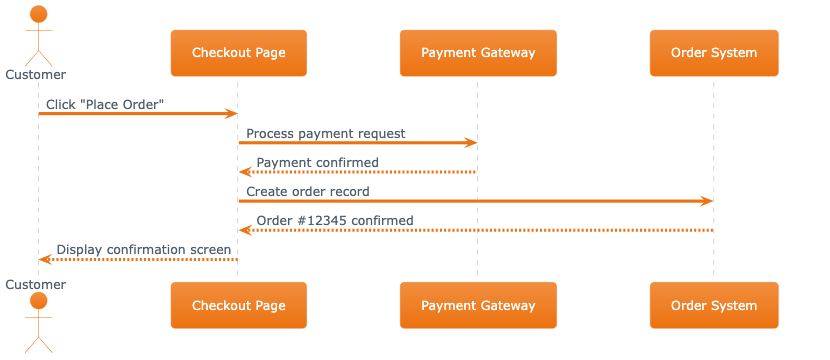
Using a flexible text to diagram tool allows you to experiment with different visual aesthetics. Here are a few examples of how applying a PlantUML theme completely transforms a standard PlantUML diagram:
-
- Cerulean: A clean, modern blue visual style ideal for professional software documentation.
- CRT-Amber: A retro amber-on-black terminal style that brings a distinct classic look to technical specs.
- Materia: A material design-inspired layout with modern shadows and vibrant accents.
How VPasCode Makes Theme Selection Easier Than Ever
Previously in any text to diagram tool, applying a PlantUML theme meant searching external documentation for exact names and manually typing code snippets. With our new Theme Selection UI in VPasCode, styling your PlantUML diagram is seamless:
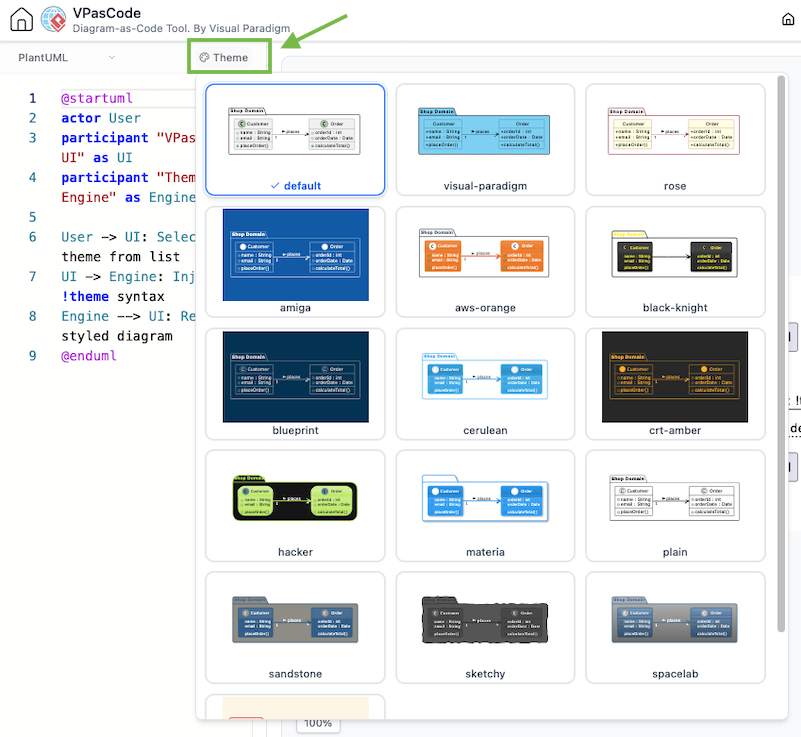
- Curated Theme List: Stop guessing or memorizing exact names. Select directly from a hand-picked list of the most popular themes inside the editor UI of our text to diagram tool.
- Automatic Syntax Injection: You do not need to remember syntax rules like
!theme <theme-name>. Simply pick a PlantUML theme from the dropdown menu, and VPasCode automatically inserts the code in the correct position inside your PlantUML diagram script. - Instant Theme Preview: Eliminate tedious trial and error. Preview theme changes instantly right inside the editor view to find the exact style you need for your PlantUML diagram in seconds.
Theme Examples:
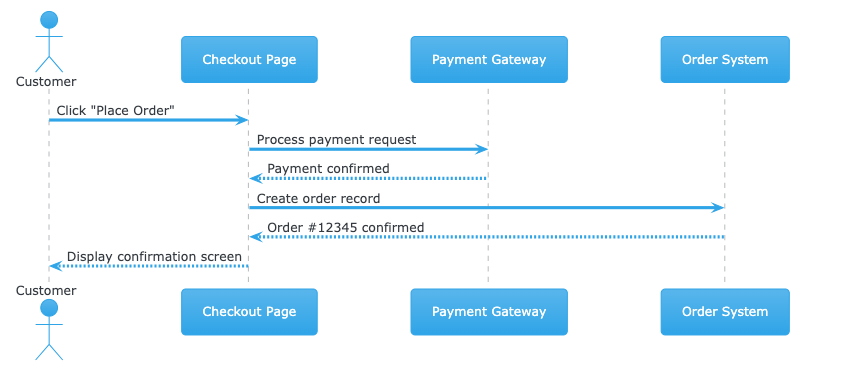
Try It Yourself in VPasCode!
See how easy it is to apply and switch themes using a web-based text to diagram tool. Click below to open this sample script in the editor, then pick a PlantUML theme from the dropdown menu to refresh your PlantUML diagram instantly:
@startuml
actor Customer
participant "Checkout Page" as UI
participant "Payment Gateway" as Payment
participant "Order System" as Order

Customer -> UI: Click "Place Order"
UI -> Payment: Process payment request
Payment --> UI: Payment confirmed
UI -> Order: Create order record
Order --> UI: Order #12345 confirmed
UI --> Customer: Display confirmation screen

@endumlStart Styling Your Diagrams Today
Ready to upgrade your workflow with a powerful text to diagram tool? Experience faster, hassle-free styling for every PlantUML diagram with our new theme picker.
Looking for Fresh New Styles?
We have also added brand-new custom themes to our library! Check out our second update: Introduced ‘Visual Paradigm’ and ‘Rose’ Themes for PlantUML →