
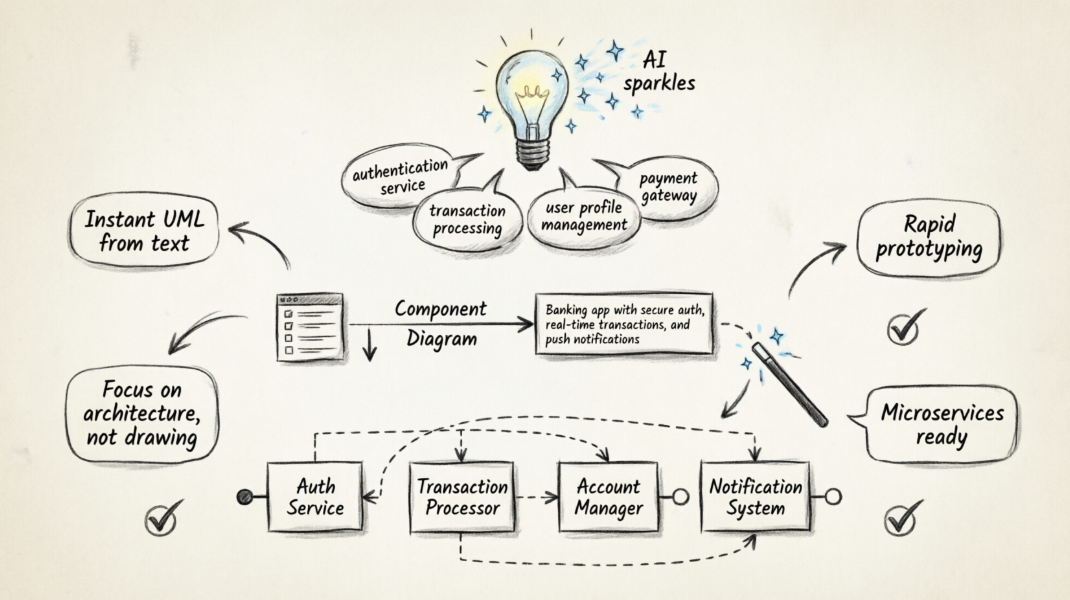
How to Use the AI UML Generator
The process of creating a component diagram with AI is seamless and integrated directly into your existing workflow. Follow these simple steps to get started:
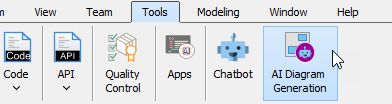
- Navigate to the Tools menu and select AI Diagram Generation. This will open the AI Diagram Generation dialog box.
- From the dropdown menu, select Component Diagram as your desired diagram type.
- Enter your topic or prompt in the text field. For example: “Generate a Component Diagram for a banking application highlighting authentication service, transaction processing, account management, and notification systems.”
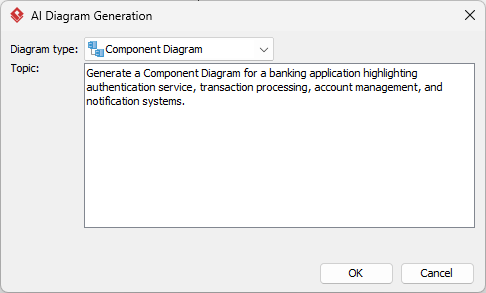
- Click OK.
Within seconds, our AI diagram generator will produce a comprehensive visual representation of your system. Once the diagram is generated, you have full flexibility to revise the elements, refine the layout, and continue your modeling process using Visual Paradigm’s robust suite of editing tools.
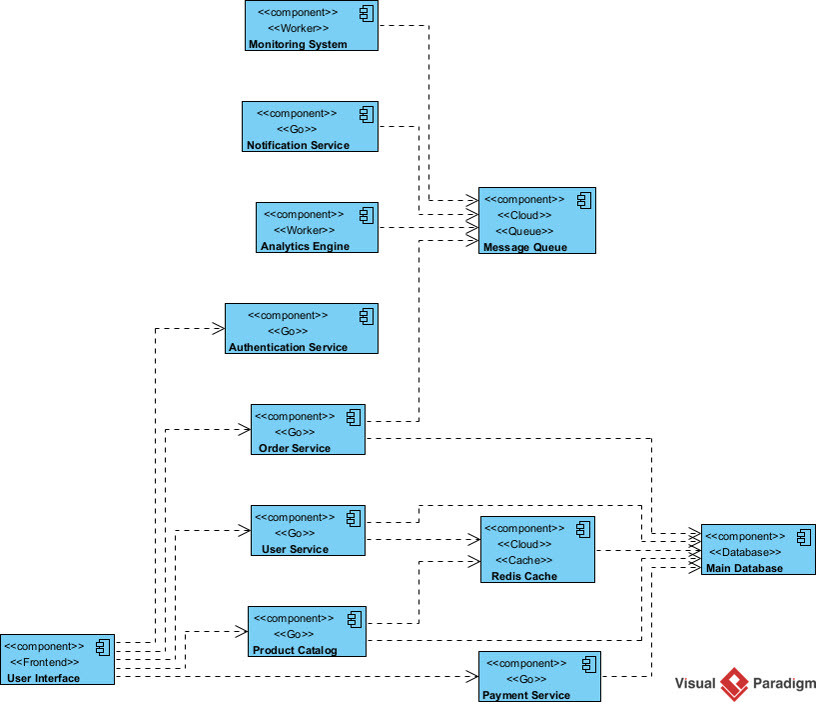
Why Use an AI Component Diagram Generator?
Efficiency is the core of modern development. By utilizing an AI UML generator, you can quickly prototype system architectures during brainstorming sessions or initial requirements gathering. This tool ensures that your team stays agile, moving from concept to visualization faster than ever before.
Whether you are documenting a legacy system or planning a new microservices architecture, this feature provides a solid foundation for your technical documentation.
Explore the Feature
To learn more about how our artificial intelligence integration works and see more examples of what you can build, visit our official AI Diagram Generation landing page.
Ready to try it yourself? Download the latest update or launch your application to experience the best AI UML tool on the market.