


Visual Paradigm Online is thrilled to announce a powerful new sharing capability for Model Canvas: instant sharing via URL!
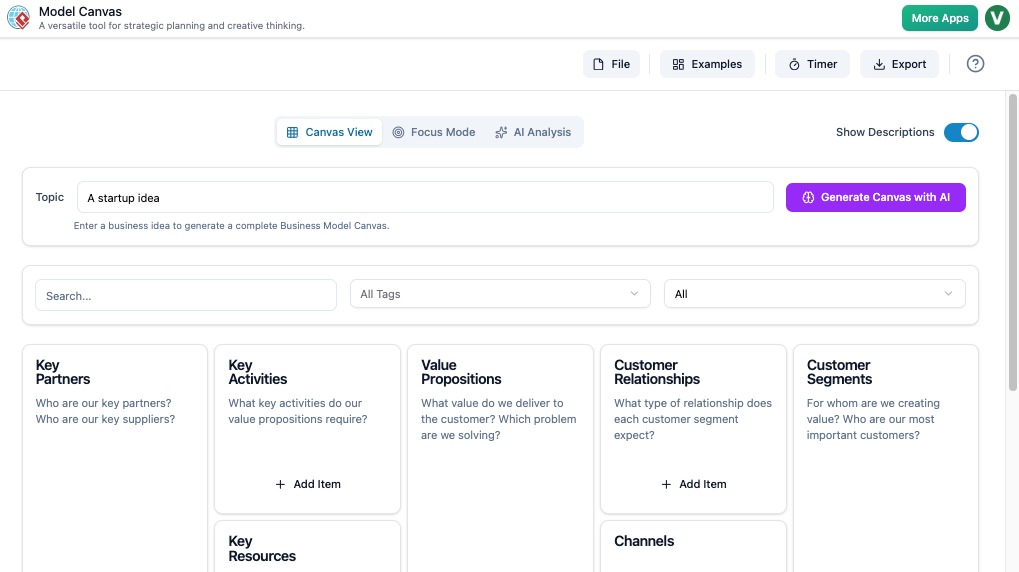
✨ Collaborate Instantly: Share Your Strategy with a Single Click
Say goodbye to emailing documents back and forth. With the new Sharing via URL feature, you can generate a unique link to your saved Canvas, allowing colleagues, partners, or clients to view your work immediately.
Whether you’re developing a Lean Canvas, a Customer Journey Map, or a complex SWOT Analysis, instant sharing simplifies your workflow and accelerates decision-making.
💡 Why This Update Matters for You
- Accelerated Feedback: Get instant input from your team on your AI-generated business models and strategies.
- Simplified Access: No need for specific software—anyone with the link can view the canvas in their web browser.
- Enhanced Collaboration: Ideal for consultants, project managers, and product teams working remotely.
- The Ultimate Article Tool: For users leveraging our AI article generator features to structure their content, this makes sharing drafts with an AI article editor a breeze!
Model Canvas remains the most versatile online article writer and strategic tool, blending an extensive framework library (Business Model, Empathy, OKR, and more) with cutting-edge AI-Powered Generation and Intelligent Analysis Engine.
⚙️ How to Start Sharing Your Canvas
Sharing your incredible work is simple. Just follow these quick steps:
- Save Your Work: Go to File > Save (Sharing is only available for saved documents).
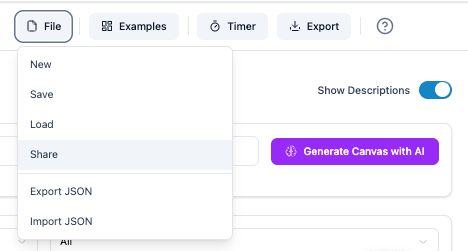
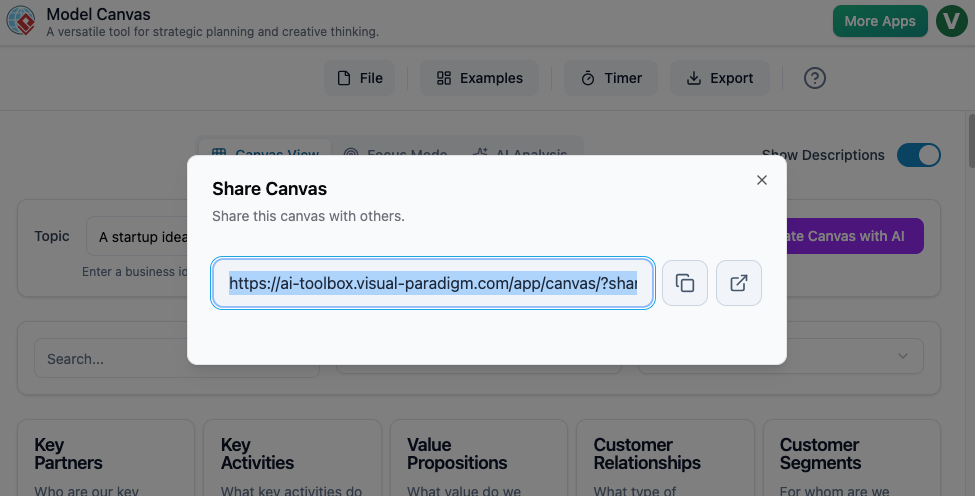
- Access Sharing: Select File > Share. This will open the new Share Canvas dialog box.
- Copy & Share: Copy the generated URL and share it with anyone you want to collaborate with!
Ready to Share Your Strategy?
Explore the full power of the Model Canvas, the leading AI article editing tool and strategy workspace. Learn more about the features and frameworks on our dedicated landing page: Model Canvas Landing Page