


Enterprise architecture is evolving, and so are the tools that support it. At Visual Paradigm, we are committed to streamlining your modeling workflow through cutting-edge AI diagram generation. Today, we are excited to announce a significant enhancement to our AI Chatbot: full support for AI ArchiMate 4 generation and seamless import into Visual Paradigm Desktop.This update bridges the gap between rapid AI-driven ideation and professional-grade architectural modeling, allowing users to leverage the latest advancements in the ArchiMate 4 standard instantly.
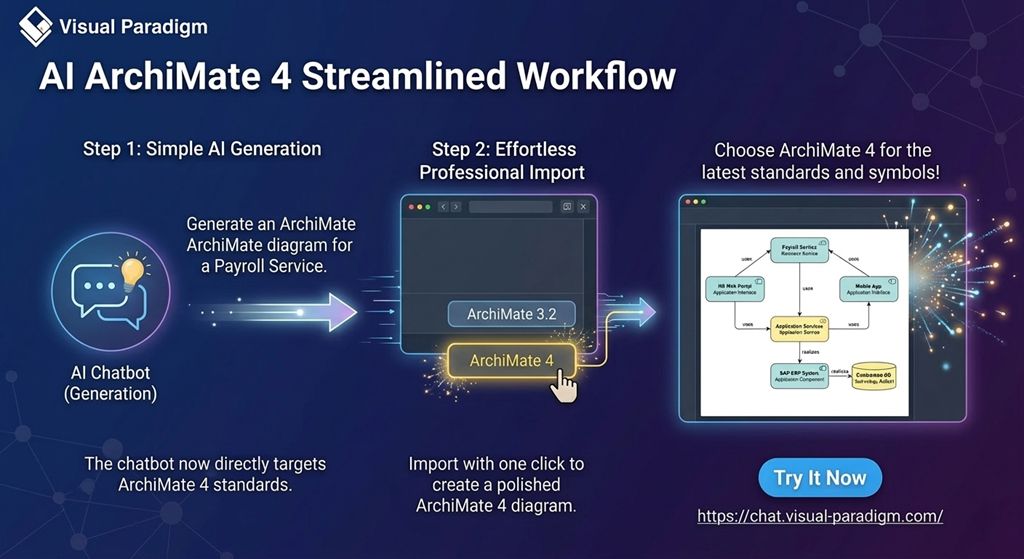
What’s New: ArchiMate 4 Integration
Our AI ArchiMate tool has been upgraded to recognize and generate structures compatible with the newest industry standards. While we continue to support ArchiMate 3.2, users now have the dedicated option to target ArchiMate 4 during the import process. This ensures your AI ArchiMate diagram generation aligns with the latest framework enhancements, including improved support for digital transformation and sustainability modeling.
Learn more about the specific advancements of ArchiMate 4 support in Visual Paradigm.
How to Use the Enhanced AI ArchiMate Generator
The workflow is designed to be intuitive and integrated directly into your existing environment:
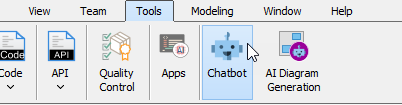
- Open the Chatbot: Launch the AI Chatbot directly from within Visual Paradigm Desktop by selecting Tools > Chatbot from the main menu.
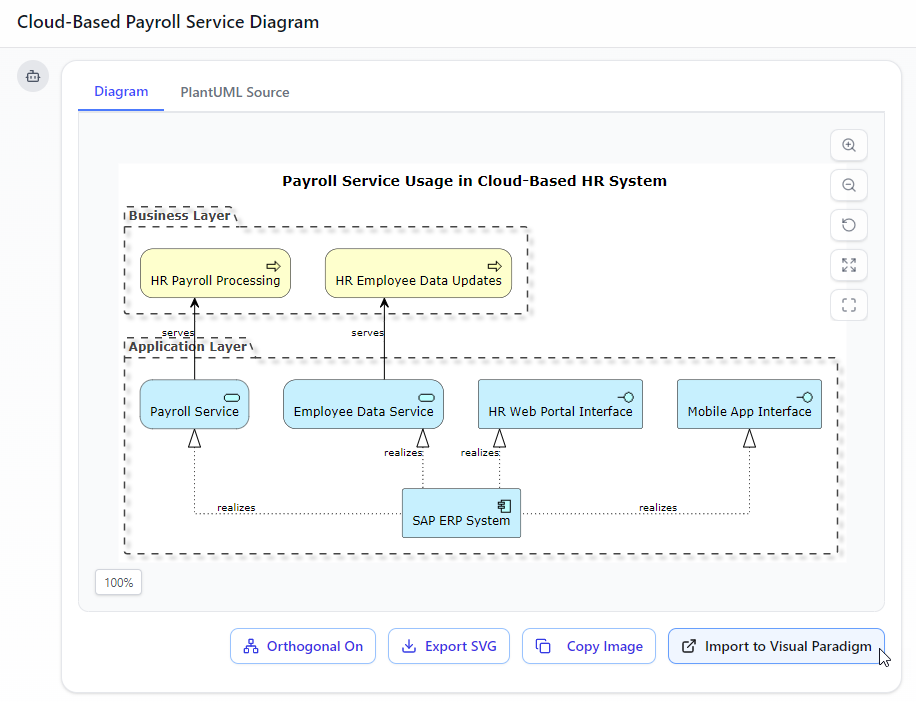
- Generate Your Diagram: Use natural language prompts to initiate AI ArchiMate generation. Describe your enterprise architecture, and the chatbot will build the visual structure for you. Sample prompt: Generate an ArchiMate diagram for a cloud-based Payroll Service, showing how the HR Web Portal and Mobile App use Application Services realized by a centralized SAP ERP system.

- Import to Desktop: Click the “Import Visual Paradigm” button at the bottom right corner.
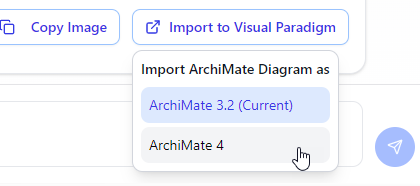
- Select ArchiMate 4: Choose the newly added ArchiMate 4 option to create a native diagram inside Visual Paradigm Desktop using the latest syntax and symbols.
- Touch-up: A ArchiMate 4 diagram is created in Visual Paradigm Desktop. You can continue editing your diagram in the modeling environment.
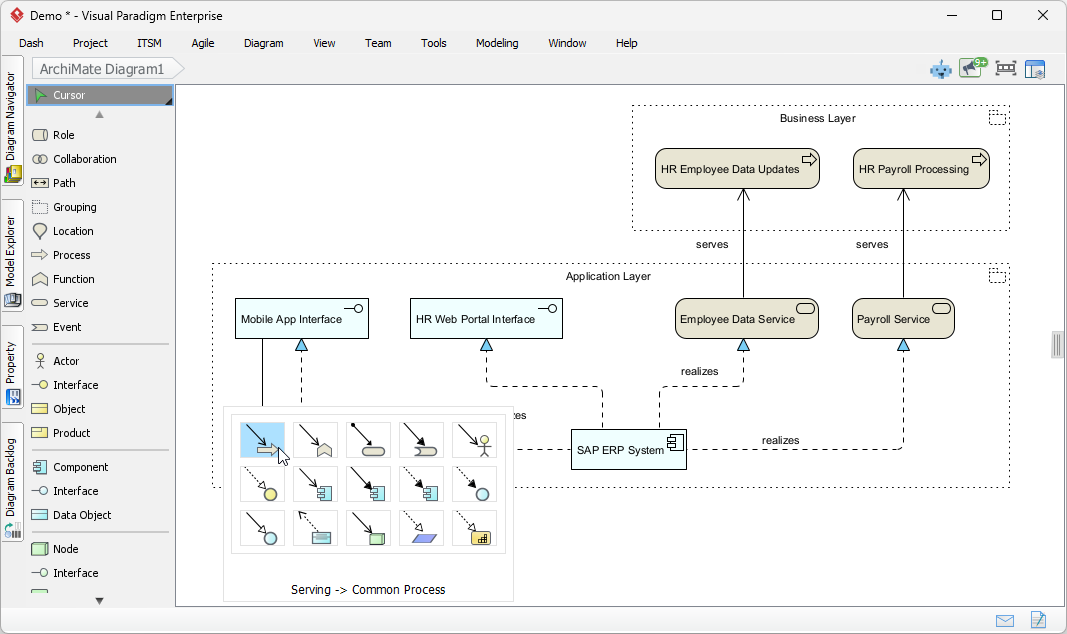
Experience the Power of AI Diagram Generation
Whether you are mapping out complex business ecosystems or designing IT infrastructure, our AI ArchiMate tool reduces the manual effort of initial drafting, allowing you to focus on strategic analysis and design.