
What is OpenDocs?
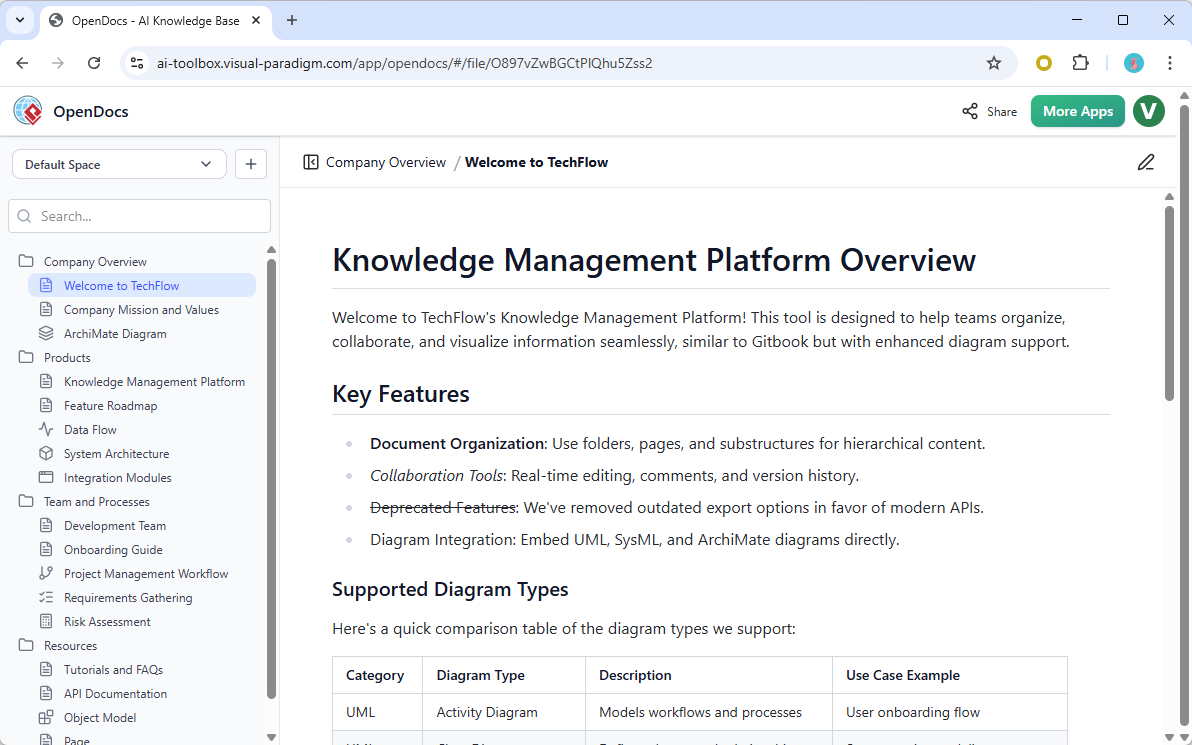
OpenDocs is a next-generation AI knowledge management tool that allows you to create, organize, and share knowledge through a hierarchical “tree” structure. Think of it as a smart, living library for your projects, products, or entire company. With an AI assistant built into its core, OpenDocs transforms static documents into a dynamic and interactive AI-powered knowledge base.
Supercharge Your Team’s Productivity with Key Features
Our team documentation tool is engineered to streamline how you manage information:
- Structured Knowledge Trees: Organize your documents intuitively with a hierarchical tree structure. Create pages and nest them to build a clear, easy-to-navigate map of your team’s knowledge.
- AI Content Assistant: Let AI do the heavy lifting. Use it to generate article drafts, summarize long documents, simplify complex topics, or even answer questions based on the content within your knowledge base.
- Seamless Collaboration & Sharing: Build your knowledge base together. Share entire “trees” or specific documents with your team or the public with a single click, ensuring everyone is on the same page.
- Intuitive Editor: A clean and simple editor makes it easy to write and format your documents. Focus on the content, and let OpenDocs handle the rest.
- Create a Single Source of Truth: Consolidate all your team’s knowledge into one centralized platform. Make information easy to find, reduce duplicate work, and empower your team with the right answers, right away.
Who is OpenDocs For?
OpenDocs is the perfect collaborative documentation platform for:
- Development Teams building internal documentation and knowledge bases.
- Project Managers centralizing project requirements and progress reports.
- HR Departments creating organized employee handbooks and policies.
- Educators and Students compiling research and study guides.
- Anyone who wants to build a structured, smart knowledge base for personal or professional use.
OpenDocs Features
Hierarchical Folder Structure
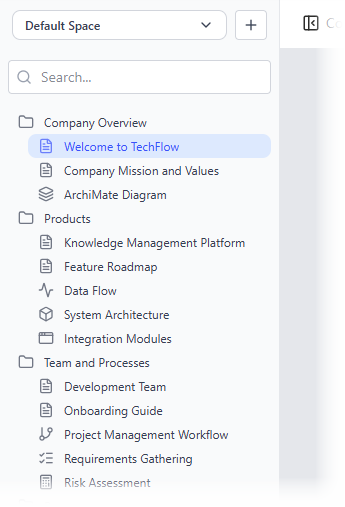
Organize your documents and diagrams in a familiar tree-like structure with nested folders. This allows for a logical and scalable organization of your knowledge base, making it easy to manage even a large number of documents.
Rich markdown editor
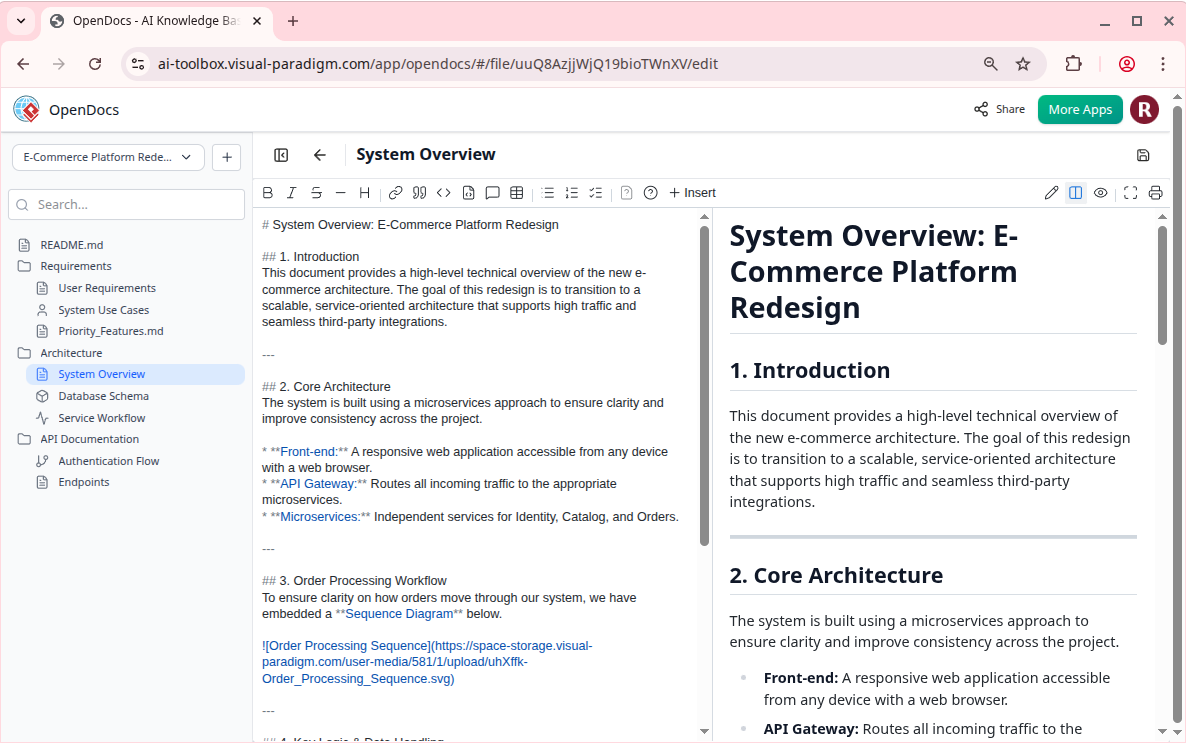
A full-featured editor for creating and formatting text documents using Markdown syntax. It provides a simple yet powerful way to write beautifully structured documents with headings, lists, tables, code blocks, and more.
Integrated Diagram Editor
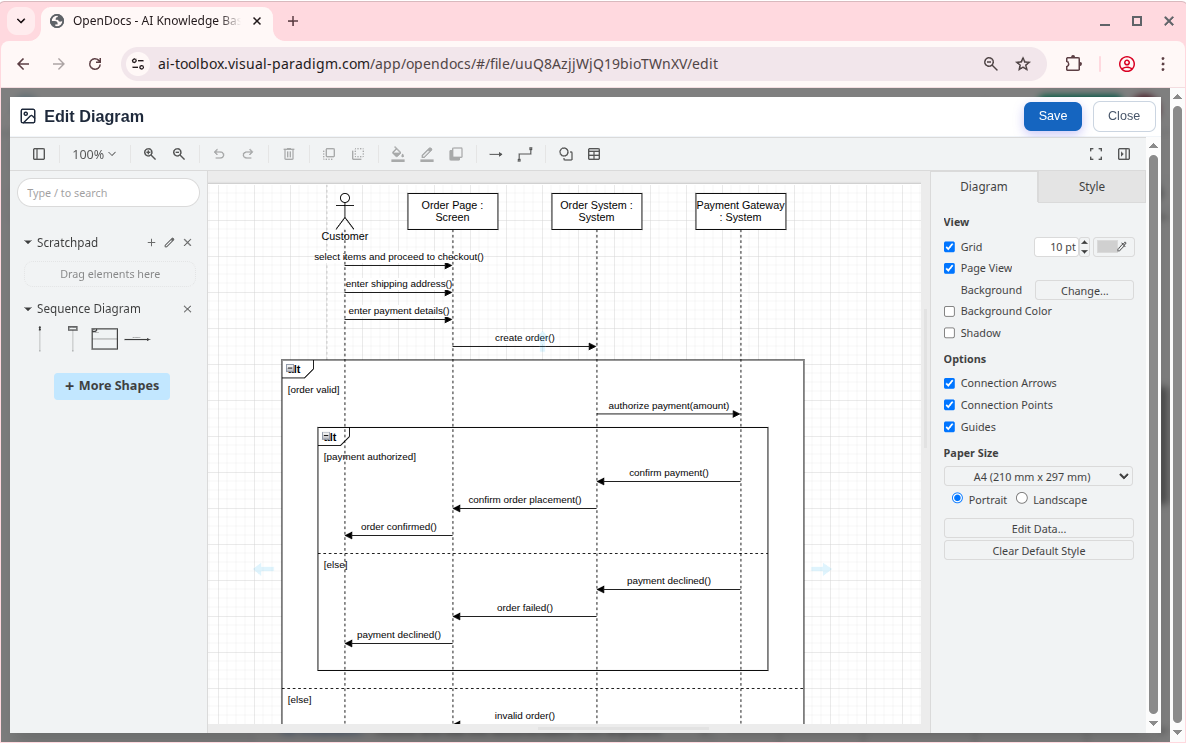
Create a wide variety of diagrams directly within OpenDocs. This powerful feature allows you to create visual documentation, such as flowcharts, UML diagrams, and mind maps, to complement your text-based documents.
Best part: You can generate diagrams with the AI diagram generator, and touch up further.
Start Building Your Centralized Knowledge Hub Today
Ready to unlock your team’s collective intelligence? Move beyond scattered docs and chaotic folders. Build a living, breathing knowledge base that works for you.