


At Visual Paradigm, we’re committed to empowering creators, educators, and professionals with cutting-edge AI presentation tools that streamline workflow and boost creativity. Today, we’re thrilled to announce a suite of powerful updates to our Markdown Presentation Maker, an innovative AI presentation maker designed to transform your ideas into stunning slideshows effortlessly. Whether you’re searching for the best AI slideshow maker or a reliable AI slides maker, these enhancements make our tool even more indispensable for crafting professional presentations.
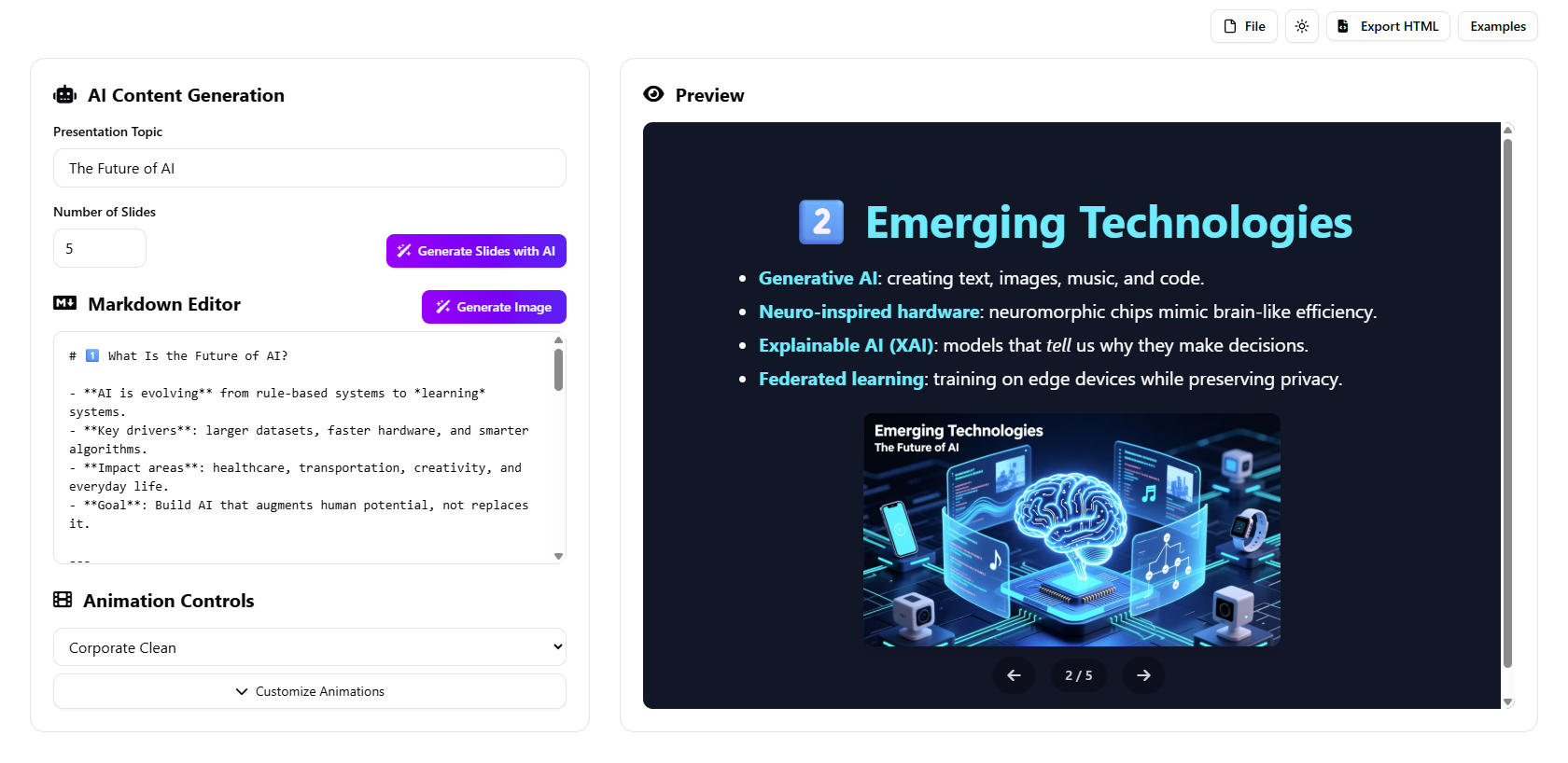
(You can read the above slideshow here)
Introducing AI Image Generation: Elevate Your Slides with Intelligent Visuals
One of the standout features in this update is the new AI Import Generation capability, which integrates seamless AI image generation directly into your workflow. This addition to our AI presentation tool allows you to create and insert custom images tailored to your content, making your presentations more engaging and visually appealing. Here’s how it works in our enhanced AI presentation maker:
- Click on “Generate Image” to open the AI Image Generator popup.
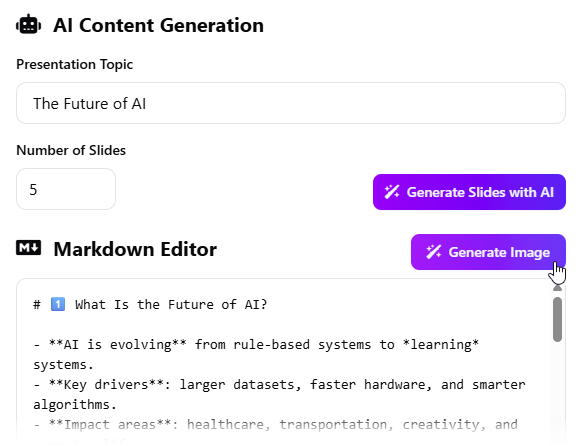
- Enter a prompt describing the image you envision. For added convenience, click “Generate Prompt” to let AI suggest a relevant description based on your presentation’s context—a smart feature unique to our AI slideshow maker.
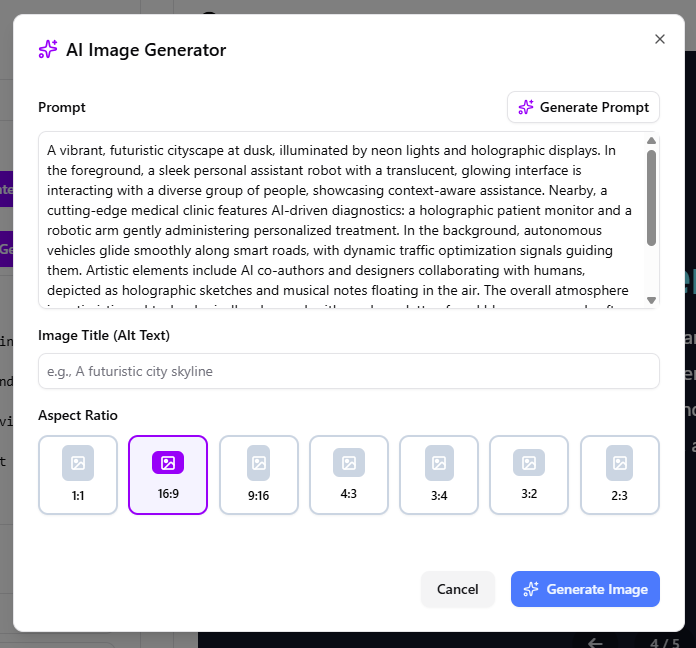
- Optionally, add alt text for accessibility.
- Select your preferred aspect ratio, such as 1:1, 16:9, 9:16, 4:3, 3:4, 3:2, or 2:3, to fit your slide perfectly.
- Click “Generate Image” and watch as AI crafts a high-quality visual—it may take a moment, but the results are worth it!
- If needed, regenerate by clicking “Regenerate Image” to refine your prompt.
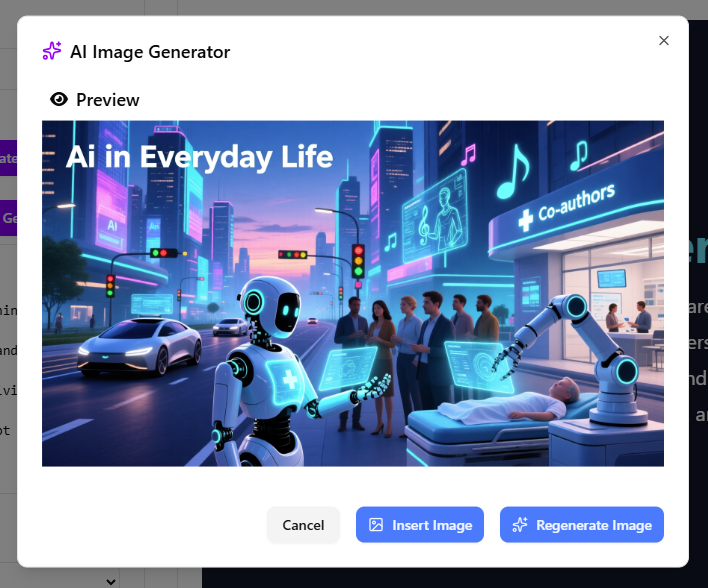
- Once satisfied, click “Insert Image” to add it directly to your active slide in the Preview pane.
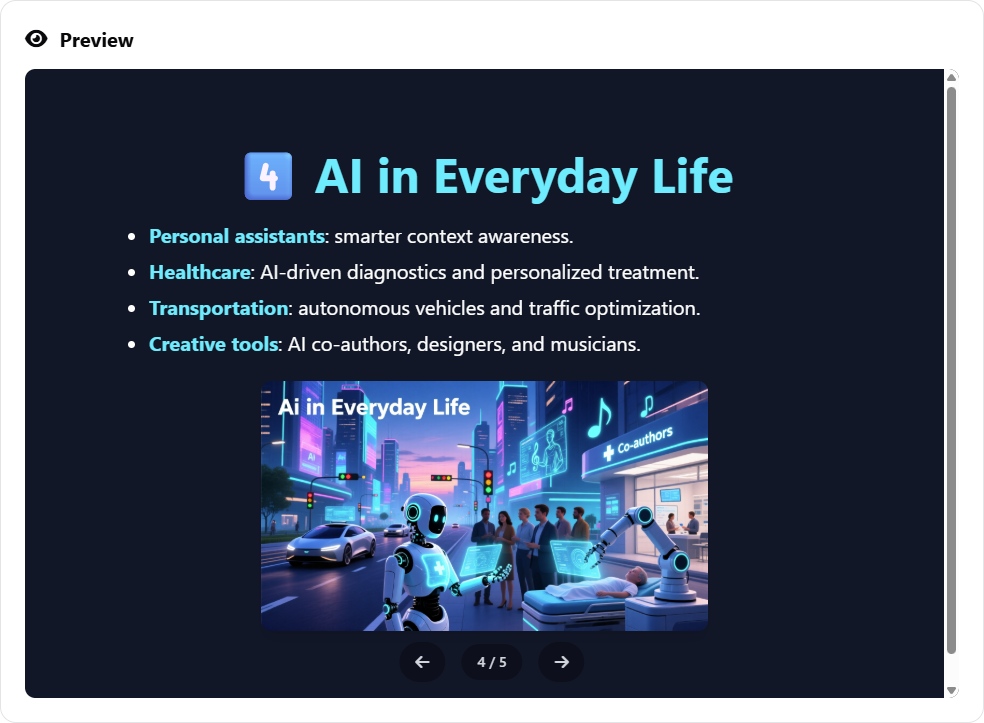
This feature positions Markdown Presentation Maker as a top-tier AI slides maker, enabling users to incorporate dynamic visuals without leaving the app. Ideal for educators, marketers, and designers seeking an all-in-one AI presentation tool.
Seamless Saving to Your Workspace: Never Lose Your Progress
We’ve formalized support for saving your presentations directly to your personal workspace. With this update to our AI presentation maker, you can now securely store your work and reopen it anytime, ensuring continuity across sessions. This is a game-changer for users of AI slideshow makers who juggle multiple projects.
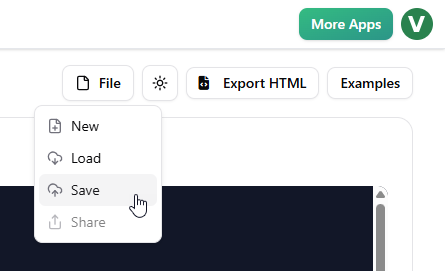
Effortless Sharing via URL: Collaborate and Distribute with Ease
Sharing your masterpieces is now simpler than ever. After saving your file (File > Save), access the Share menu (File > Share) to generate a unique URL.
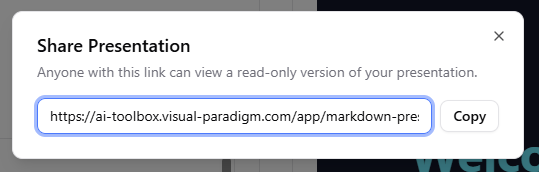
Copy and send it to colleagues, clients, or audiences for instant access. This enhancement makes Markdown Presentation Maker an essential AI slides maker for team collaborations and public presentations.
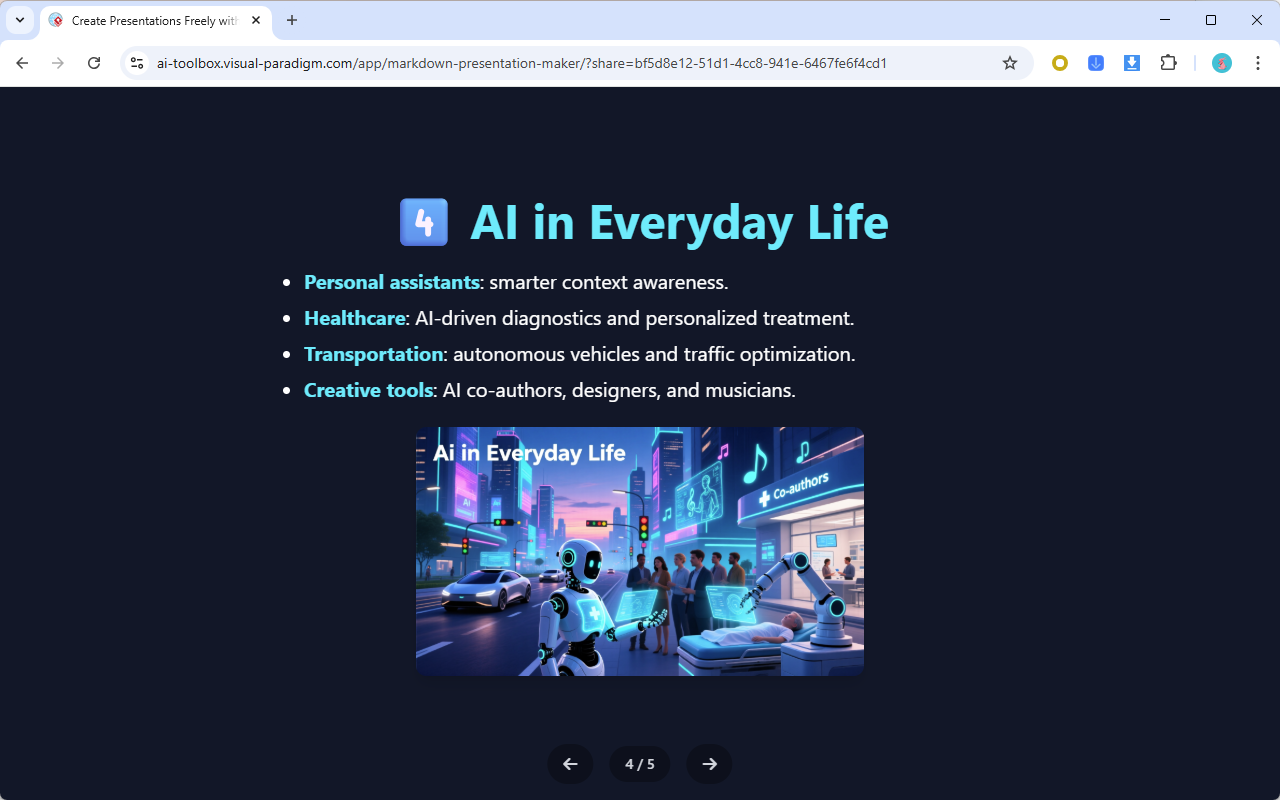
(You can read the above slideshow here)
Expanded Screen Width for Better Visibility
To provide a more immersive experience, we’ve increased the app’s screen width to utilize the full available space. This gives you more room for slide previews, making editing clearer and more efficient in our AI presentation tool.
Additional Fixes and Improvements for a Smoother Experience
Beyond these major features, we’ve addressed several issues to refine your experience with our AI presentation maker:
- Corrected animation playback in the Preview pane when navigating back to previous slides.
- Added alerts to warn users about potential content overwrites when generating slides with AI.
- Ensured exported HTML matches the preview for consistent output.
These tweaks enhance reliability, making Markdown Presentation Maker a robust AI slideshow maker and AI slides maker for all your needs.
Why Choose Visual Paradigm’s Markdown Presentation Maker?
As a leading provider of AI presentation tools, Visual Paradigm continues to innovate with features that save time and spark creativity. Whether you’re building educational decks, business pitches, or creative stories, our AI presentation maker stands out with its intuitive interface, AI-driven capabilities, and now, even more powerful tools.
Ready to experience these updates? Dive in today and transform your presentations!
Try Markdown Presentation Maker Now
For more details, visit our landing page.