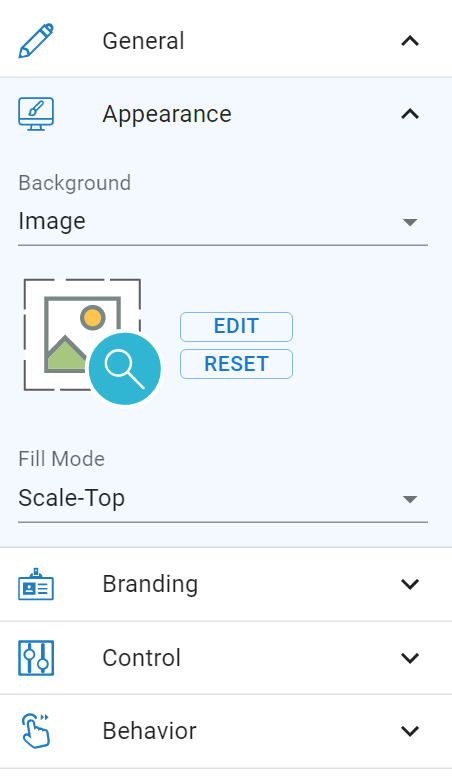
After completing the booklet, we can share it through the flipbook viewer. We’re now happy to tell you that you can customize the background of the viewer! Let’s see how to set it up in this article.
Steps to set the background
Click setting under the Flipbook page.

We can then set the details in the pop-up browser, and preview it by the screen on the right.
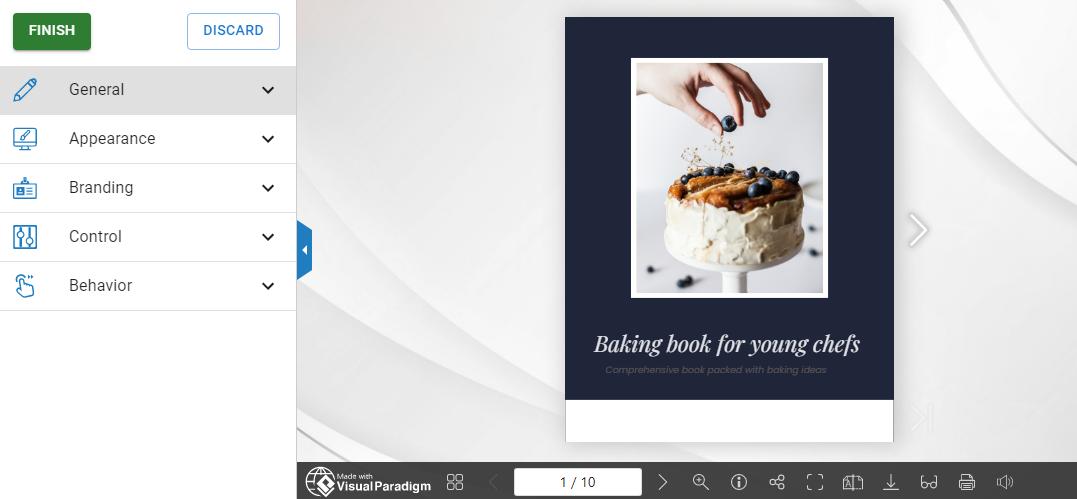
On the tool bar on the left, you can customize the title, background image, branding logo, number of buttons and also the flipping style. Explore it and create amazing viewer design for your book!