


In the world of system design and business analysis, translating detailed textual requirements into clear, standardized diagrams is a critical but often time-consuming step. We’re thrilled to announce a groundbreaking solution designed to eliminate this friction: the new Use Case to Activity Diagram tool, an intelligent AI activity diagram generator that transforms your use cases into visual UML diagrams in seconds.

Addressing the Challenge of Manual Diagramming
For years, analysts and developers have spent countless hours manually drawing diagrams. The process involved meticulously reading use case documents, dragging and dropping shapes, connecting flows, and ensuring every decision point and exception path was correctly represented. This manual effort was not only slow but also prone to human error and interpretation gaps, often leading to miscommunication between business and technical teams.
The core challenge has always been maintaining speed and accuracy simultaneously. How can teams visualize complex workflows for validation without losing momentum during the crucial requirements-gathering phase?
Introducing the Use Case to Activity Diagram Tool: Automate Your Workflow
Built to solve this exact problem, our new AI UML tool automates the entire diagramming process. By simply providing the textual details of your use case, our AI assistant analyzes the process flows, actors, and conditions to generate a complete, standards-compliant UML Activity Diagram instantly. This frees you to focus on the quality of the requirements, not the mechanics of drawing.
With this powerful new feature, you can:
- Instantly visualize complex workflows by converting detailed use case descriptions into clear activity diagrams automatically.
- Accelerate team alignment by generating diagrams in real-time during stakeholder meetings for immediate feedback and validation.
- Reduce ambiguity and errors by ensuring a direct, consistent translation from text to a visual model, leaving no room for misinterpretation.
- Generate comprehensive documentation with a final, AI-written report that summarizes the entire process, bridging the gap between specification and implementation.
How to Access and Use the New Feature
Getting started is simple. Here’s how you can access the new tool:
- For Visual Paradigm Online users (Combo Edition or higher): You can access the tool directly by visiting the app page.
- For Visual Paradigm (Desktop) users (Professional Edition or higher with active maintenance): Simply navigate to Tools > App from the main menu and select “Use Case to Activity Diagram” from the list.
Once you’ve opened the app, the intuitive four-step workflow will guide you:
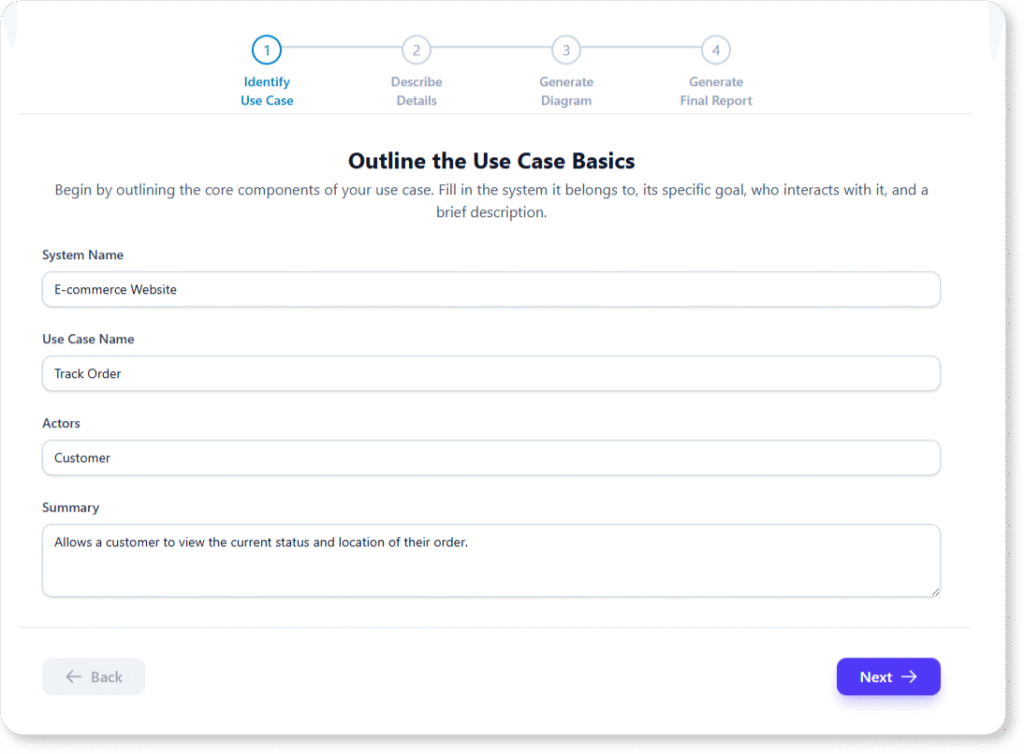
- Step 1: Identify Use Case – Outline the high-level components of your use case, including the system, actors, and a brief summary.
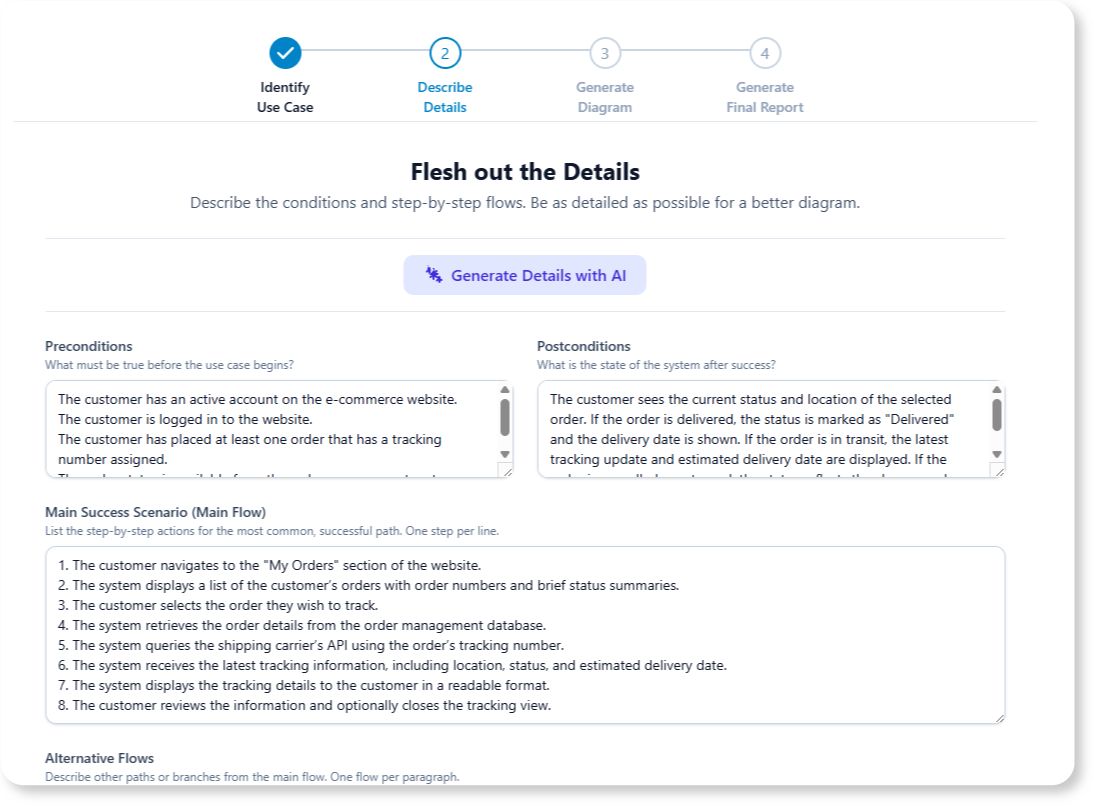
- Step 2: Describe Details – Flesh out the process with preconditions, postconditions, and the step-by-step main flow, alternatives, and exceptions.
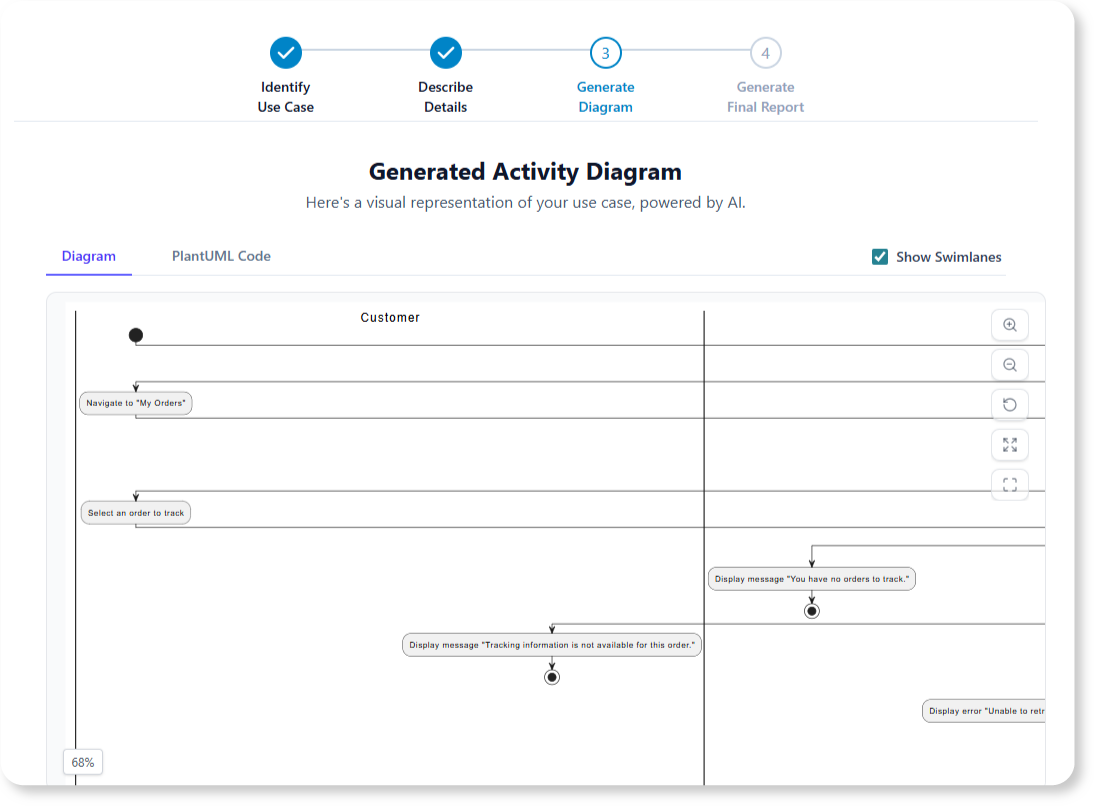
- Step 3: Generate Diagram – Let the AI work its magic. A complete UML Activity Diagram will be generated based on your input.
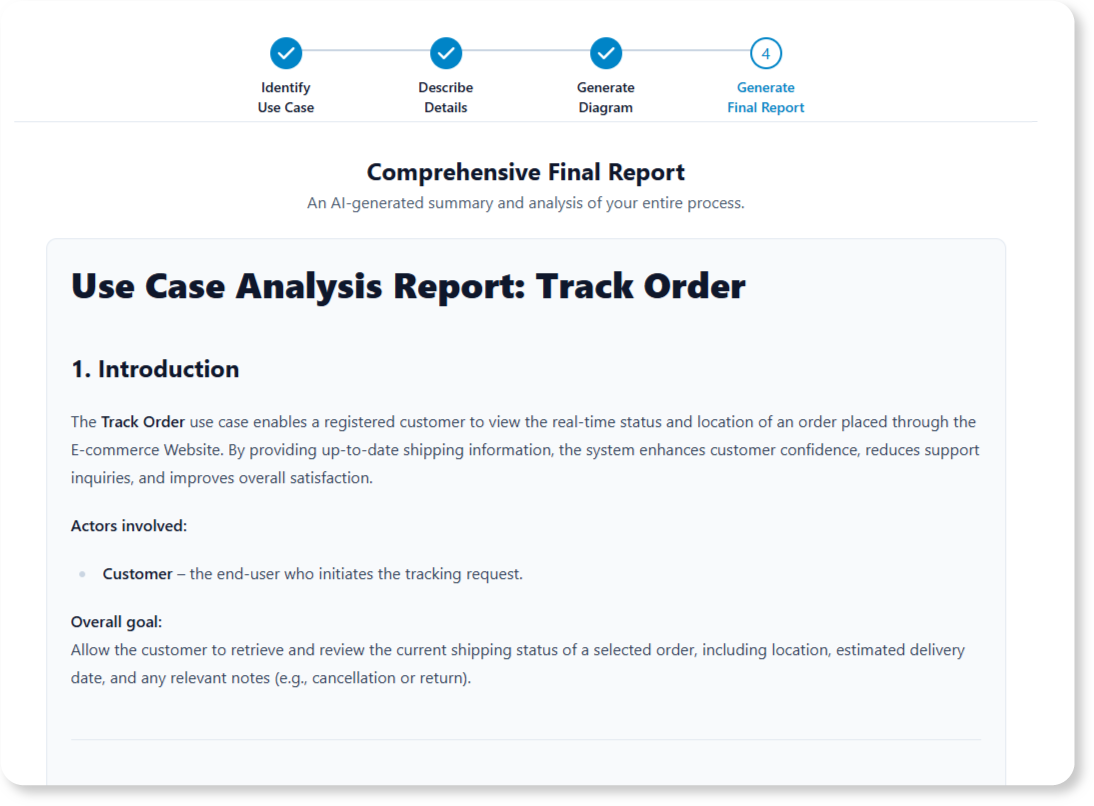
- Step 4: Generate Final Report – Consolidate all your work into a professional, AI-generated summary report, ready for printing or sharing.
Ready to Supercharge Your System Design?
Stop drawing and start analyzing. The Use Case to Activity Diagram tool is more than just a feature; it’s a new way to work, enabling you to move from idea to documented design with unprecedented speed and clarity. Empower your team, impress your stakeholders, and build better systems, faster.
Essential Links and Next Steps
For a detailed guide on using every feature of this new tool, be sure to check out our tutorial on the Use Case to Activity Diagram tool.