


At Visual Paradigm, we are committed to revolutionizing how teams capture and organize knowledge. Today, we are thrilled to announce a significant expansion to OpenDocs. Among our latest suite of eight new chart types, the Concept Map is now live, fully integrated, and supercharged with artificial intelligence.
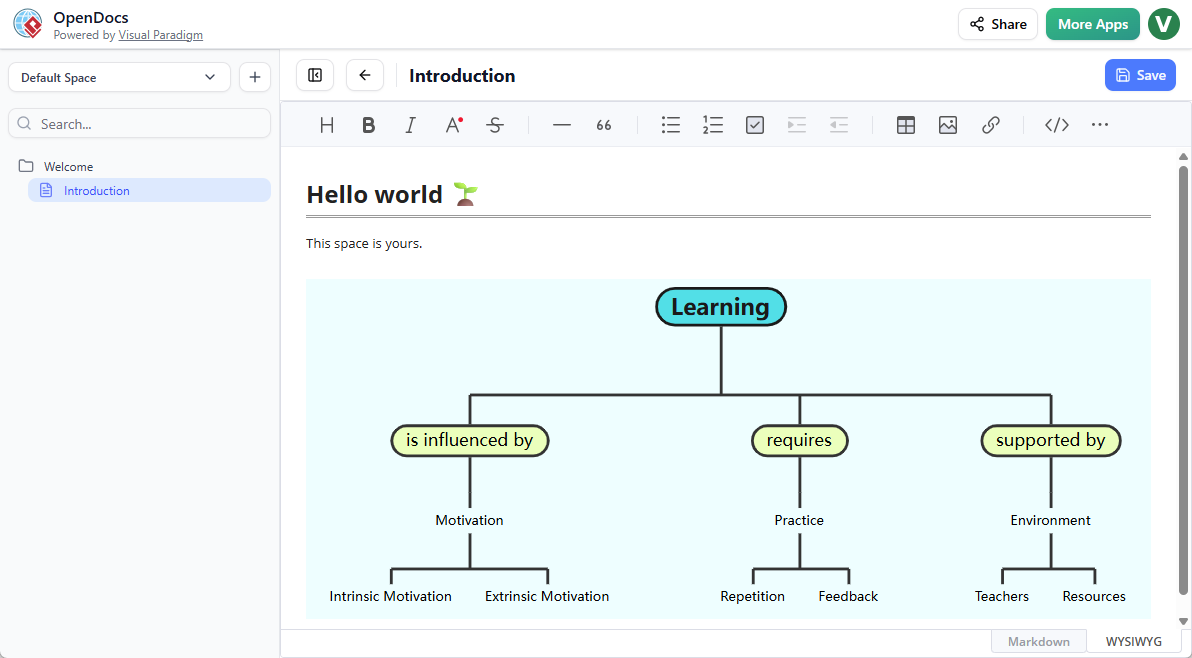
Master Complex Ideas with an Concept Map Tool
In an era of information overload, clarity is your most valuable asset. Our new concept map editor is designed to help you synthesize complex information into clear, visual relationships instantly. Whether you are conducting academic research, mapping out a business strategy, or performing a competitive analysis, OpenDocs now provides the ultimate AI-powered knowledge management tool to keep your insights organized.
The beauty of the Concept Map in OpenDocs lies in its flexibility. Unlike rigid hierarchies, concept maps allow you to visualize cross-links and multifaceted relationships between ideas. With our latest update, you no longer have to start with a blank canvas.
Key Features of the OpenDocs Concept Map Integration
- Embeddable Diagram Components: Seamlessly incorporate your concept maps into your documentation. You can embed a live diagram component directly into any document page, ensuring your text and visuals live in perfect harmony.
- Dedicated Component Pages: Need the diagram to stand alone? Create a dedicated Component Page for your Concept Map, providing a full-screen, high-definition view of your knowledge structure.
- On-the-Fly Editing: As your project evolves, so should your map. Edit your diagrams directly within the Markdown editor without ever leaving your document workflow.
Why Use an Concept Map Tool?
As part of the OpenDocs ecosystem, your concept maps benefit from centralized storage in “Spaces,” making it easy to share your entire knowledge base with stakeholders via a single, secure link.
How to Create a Concept Map?
As part of a document page
- Open your page in OpenDocs.
- Click on the Edit button at the top right.
- In the page editor, click at where you want to insert a concept map.
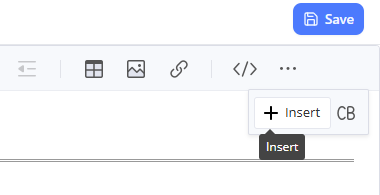
- Click on the Insert button at the button bar.
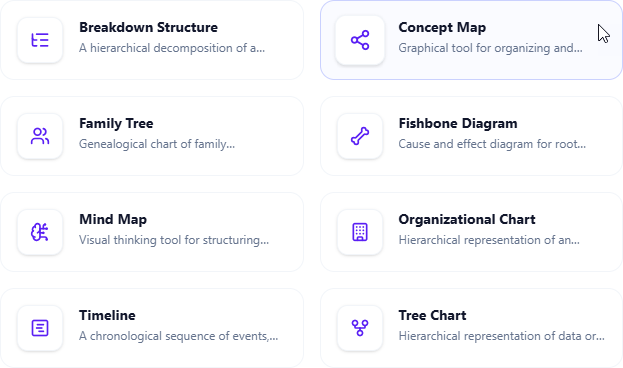
- Select Mind Maps > Concept Map.
- Start editing your concept map.
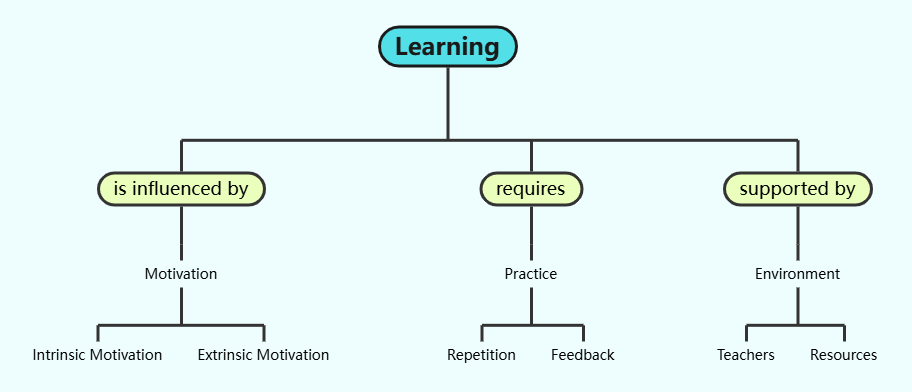
- When finished, click Save at the top right.
- Click Close to return to the document page editor.
As an independent component
- On the top of the table of contents pane, click on + and then select New Component Page.
- Select Mind Maps > Concept Map.
- Start editing your concept map.
- When finished, click Save at the top right.
Experience the Future of Visual Documentation
Ready to transform your brainstorming sessions? Start using our AI-powered knowledge management tool today and see how easy it is to visualize your thoughts.
Part of a Larger Ecosystem
The Concept Map is just one of the eight new intelligent chart types we’ve introduced to OpenDocs—including Fishbone Diagrams, Timelines, and Organization Charts. Each of these tools is built to make Visual Paradigm the most versatile home for your project’s technical and descriptive documentation.
To learn more about how OpenDocs can streamline your team’s workflow, visit our official landing page.
OpenDocs is available for users with a Visual Paradigm Online (Combo Edition) or a Visual Paradigm (Professional Edition) license.